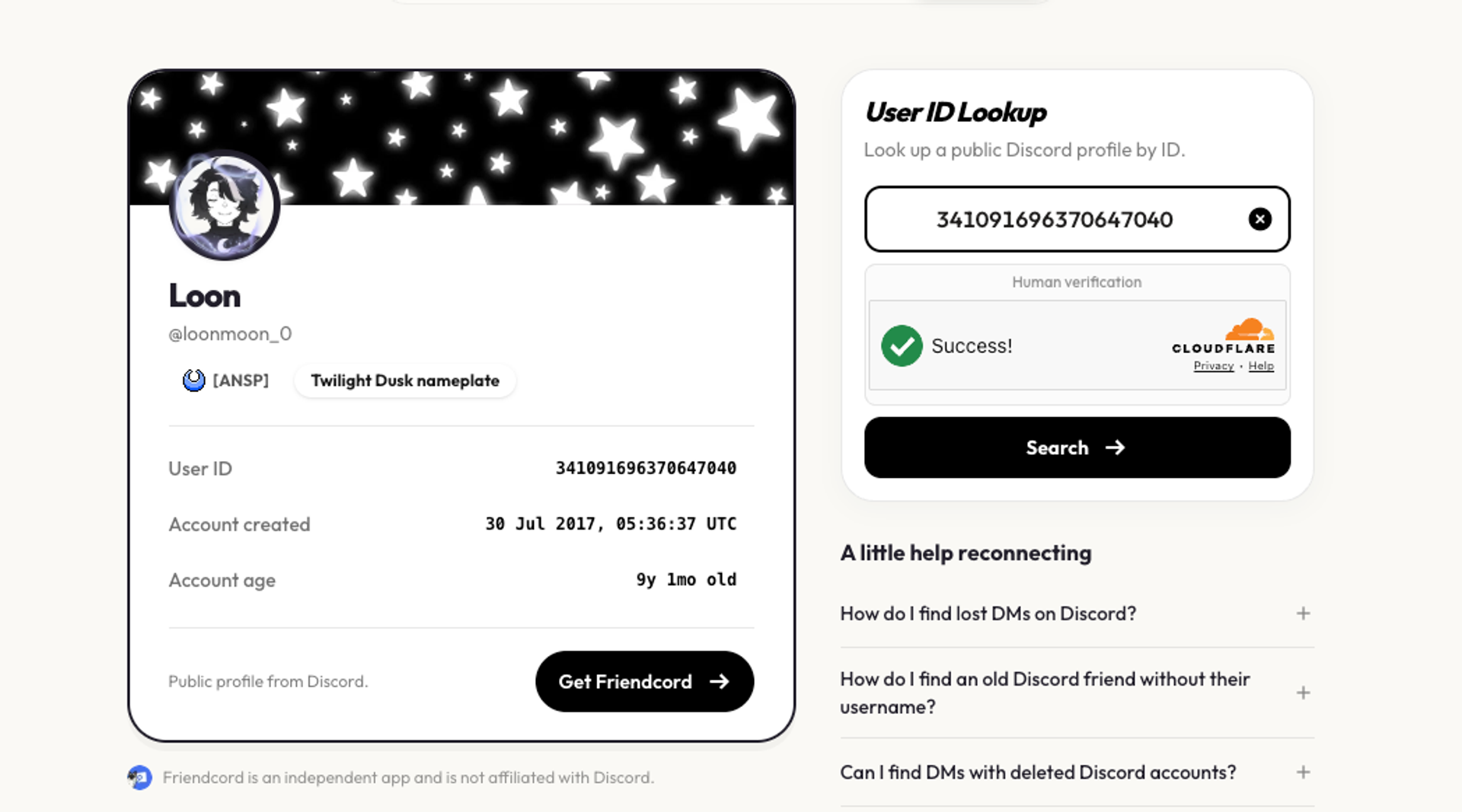
Need to identify a Discord account from an old message, profile, or server? Friendcord’s new Discord ID Lookup tool lets you paste a Discord User ID and view publicly available profile details in one place.
What Discord ID Lookup shows
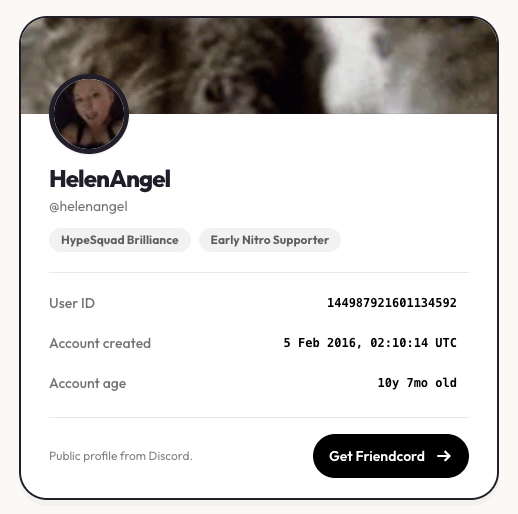
A Discord User ID is a stable numeric identifier for an account, unlike a username or display name that may change. Friendcord can show public profile information such as the display name, username, avatar, banner, account creation date, public badges, avatar decorations, nameplates, profile colors, and other public profile styling when available.
The tool does not turn private information into public information. Results are limited to details that are publicly available through the lookup experience, and access is protected with rate limiting and human verification.
How to copy a Discord User ID
1. Enable Developer Mode
In Discord, open User Settings, go to Advanced, and turn on Developer Mode. On mobile, tap your avatar, open the settings gear, choose Advanced, and enable Developer Mode.
2. Copy the ID
Open the person’s profile, a message they sent, or a server member list. On desktop, right-click the user and choose Copy User ID. On mobile, open the user’s profile, tap the three-dot menu, and choose Copy User ID.
3. Paste it into Friendcord
Open Discord ID Lookup and paste the copied number to view the available public profile details.
Why a User ID helps
Names are easy to lose track of: someone can change a username, use a different display name in a server, or delete an account. A User ID gives you a more reliable starting point for identifying the account connected to an old message or saved Discord data.
Also available in the Friendcord app
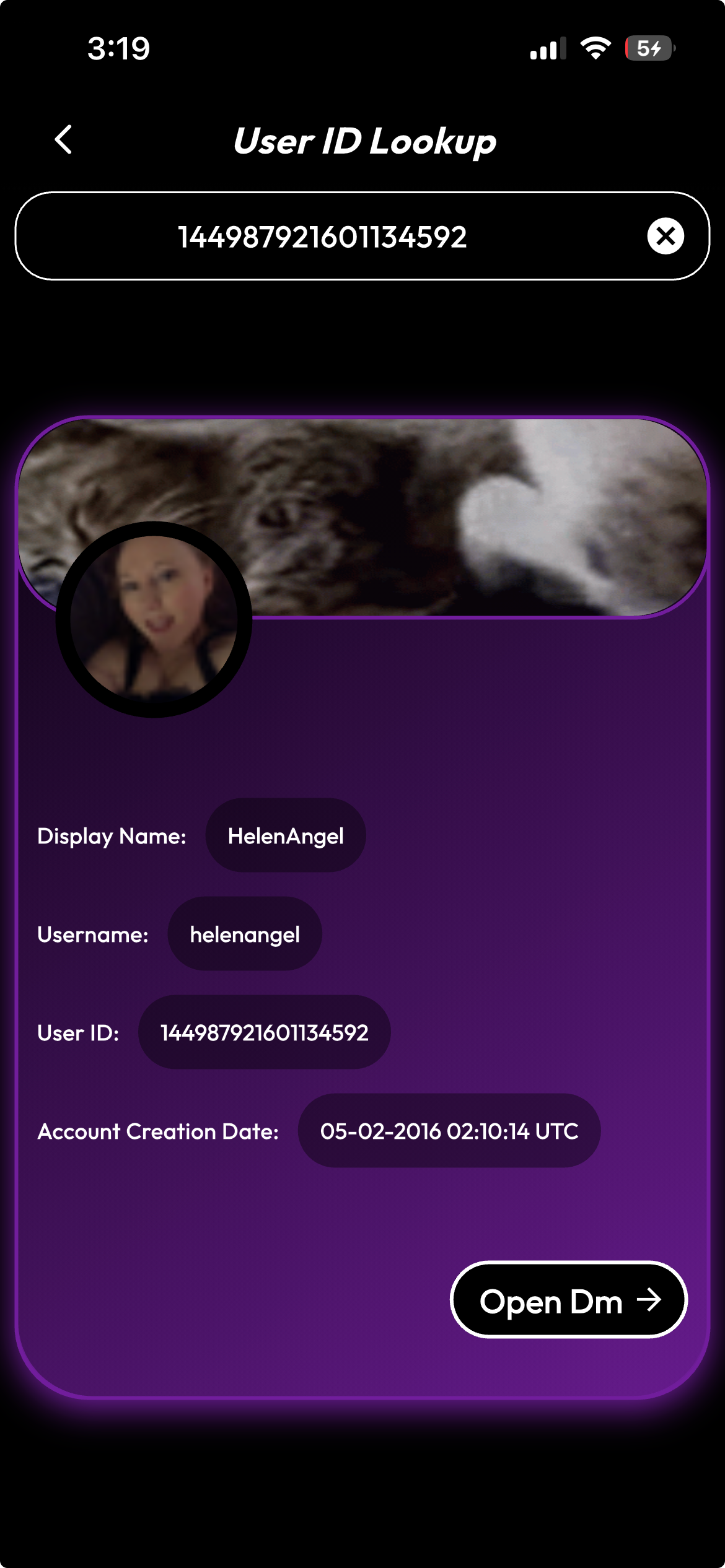
The same lookup experience is available inside the Friendcord app, where you can combine profile lookups with tools for finding old friends, searching exported Discord data, and recovering lost or deleted DM history.
Friendcord is an independent product and is not affiliated with, endorsed by, or sponsored by Discord. You can open profile images in a larger lightbox view when you want to inspect an avatar, banner, or other available image detail.
Frequently asked questions
Can I look up any Discord User ID?
You can submit a valid Discord User ID, but the details shown depend on what is publicly available and what the lookup can retrieve at that time.
Does Discord ID Lookup reveal private profile information?
No. It is intended to display publicly available profile details, not private account data.
Can I use the lookup on desktop and mobile?
Yes. The web experience is designed for both desktop and mobile screens.
Try the new tool at friendcordapp.com/discord-id-lookup.