find the videos that you sent but don't remember where you sent it
A September 2023 Discord community request describes the problem directly. You remember sending something, but not which server, channel, or DM contains it. Import your Discord data ZIP into Friendcord and search a distinctive phrase you sent around that message to identify its location.
If the match is a DM, use Friendcord Instant to reopen the actual conversation. If it is a server message, check the server and channel context, then return through Discord if your account still has access.
Start with the clue, not a guessed server
Write down the strongest detail you remember: a project name, unusual sentence, filename, video title, or a phrase you used when sharing it. Start with one distinctive clue rather than a broad word such as “video.”
For example, if you remember writing about a Minecraft build, search “Minecraft” first, inspect recognizable messages, and then narrow by the approximate month. This is an illustrative workflow, not a transcript from the quoted user.
If the first search returns nothing, shorten the phrase, try another spelling, or search a related word you personally sent. A word that only appeared in someone else’s reply may not exist in your exported message records.
Search the available ZIP records with Friendcord
- Request message data from the original Discord account under Settings → Data & Privacy → Request your data, or use a ZIP you already downloaded.
- Import the ZIP into Friendcord.
- Search your strongest remembered clue across the available imported history.
- Inspect the surrounding records and use date or other available filters to narrow the matches.
- Confirm the server, channel, or DM before deciding where to go next.
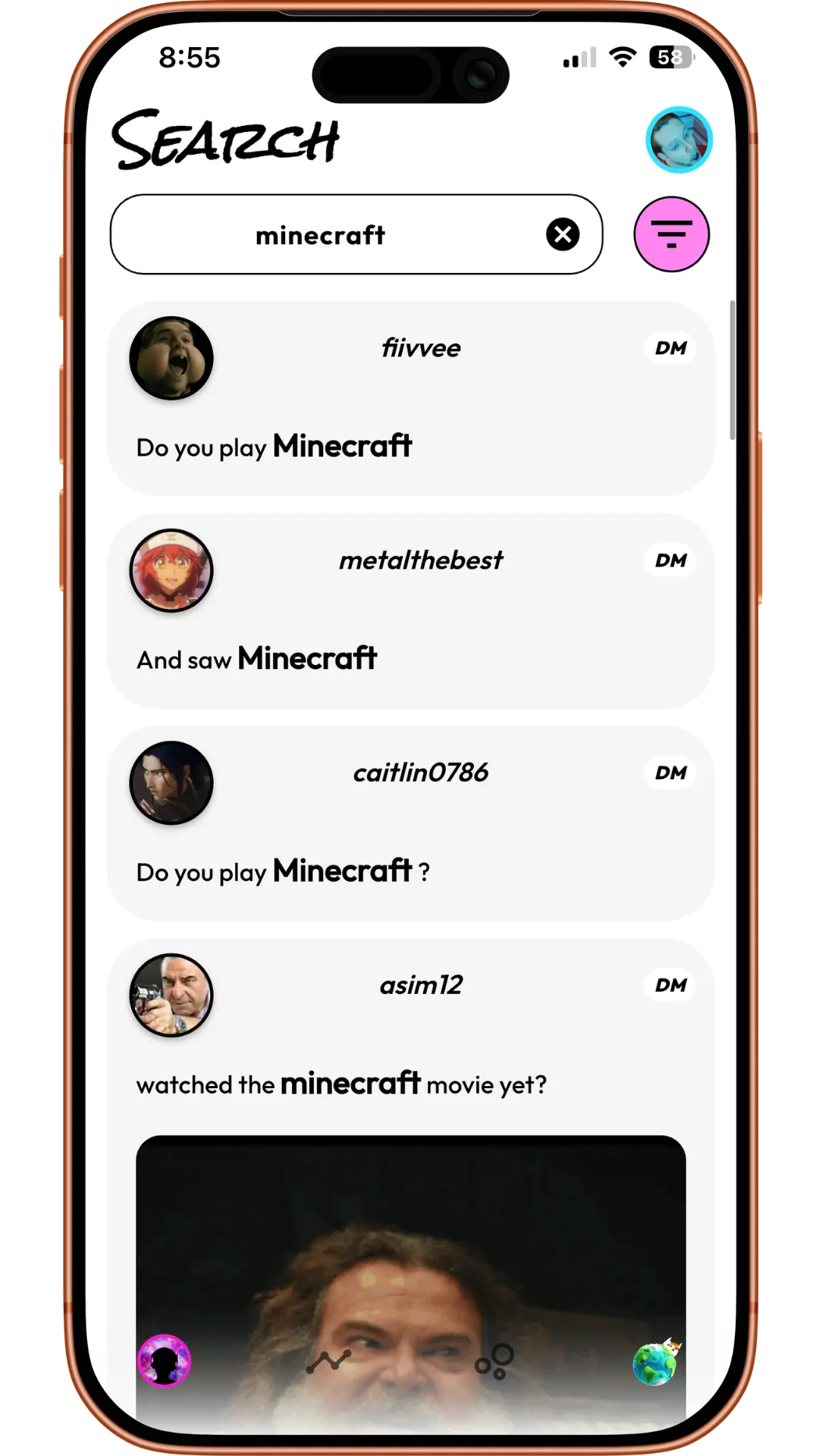
Product example: a topic can lead you to a conversation even when you forgot its location. These sample records are unrelated to the quoted community post.
Discord’s data-package documentation describes exported sent-message records, timestamps, channel information and attachment links. That makes the ZIP useful for identifying where you sent something. It is not a complete copy of every received message or a guarantee that every old server is represented. Deleted messages are not restored by importing a ZIP.
Keep an older ZIP you already have: it may contain useful records absent from another export. Search only the data actually available, rather than assuming a new request will recover everything.
If the result belongs to a server channel
Confirm the server and channel names or IDs in the available context. If you still belong to that server and can view the channel, open it in Discord and search again within that location using the phrase and approximate date.
Discord’s current search guide explains that search uses the current server or DM context and supports content and date filters. Once you know the location, those filters make the remaining search smaller.
If you left the server, the archived record does not grant live access. Use a legitimate current invite if appropriate; see finding a Discord server you left. Friendcord does not bypass a ban, restore deleted channels, or create access to private communities. Instant is a DM-opening option, not a server-permission tool.
If the result belongs to a closed DM
Pair the Friendcord mobile app with the browser extension from the Friendcord website. Keep Discord signed in to the account that participated in the conversation. Open the identified conversation’s DM options in Friendcord and choose Instant’s Open DM action.
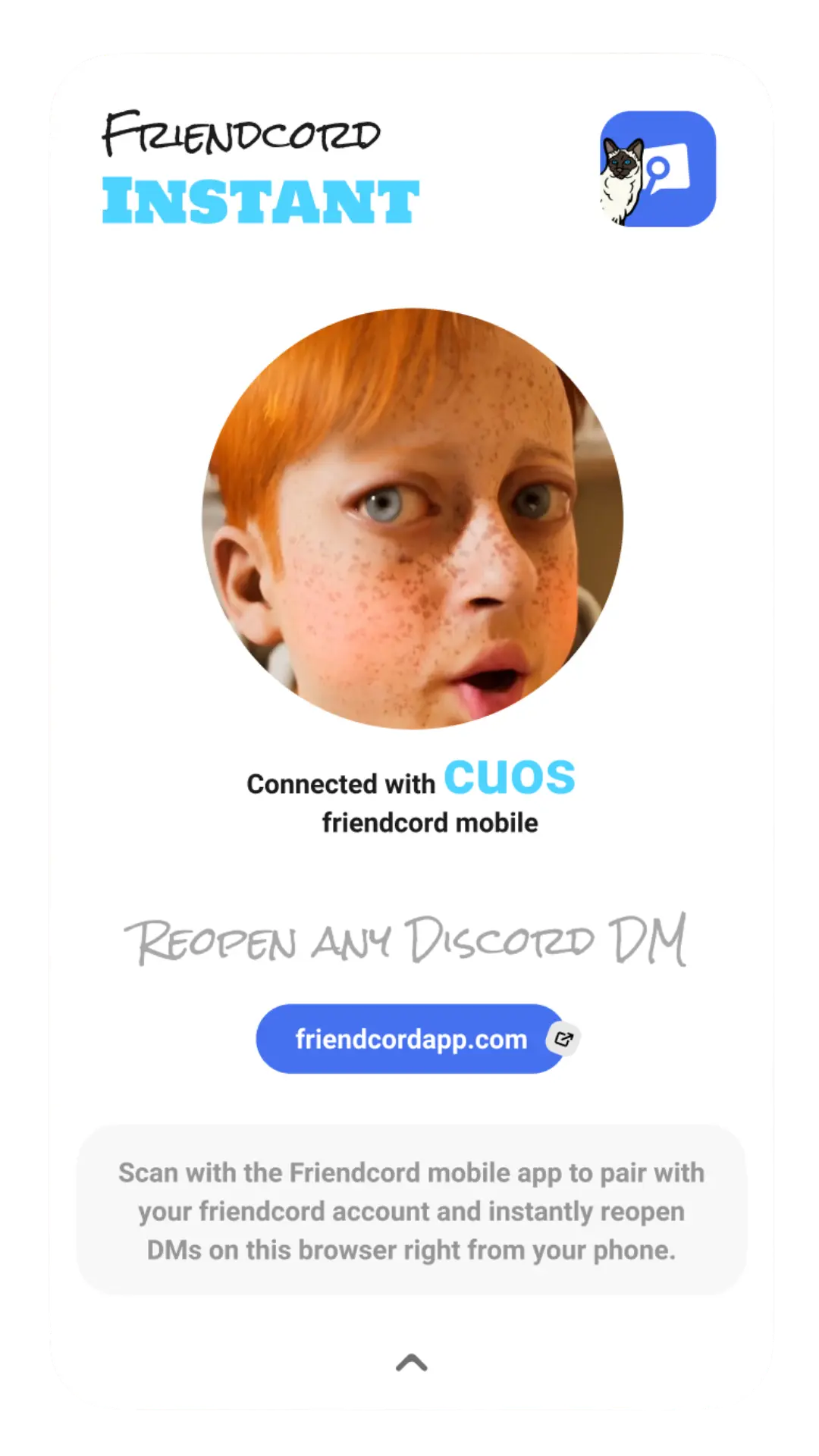
Product example: pairing connects the mobile app to the browser where the original Discord account is signed in.
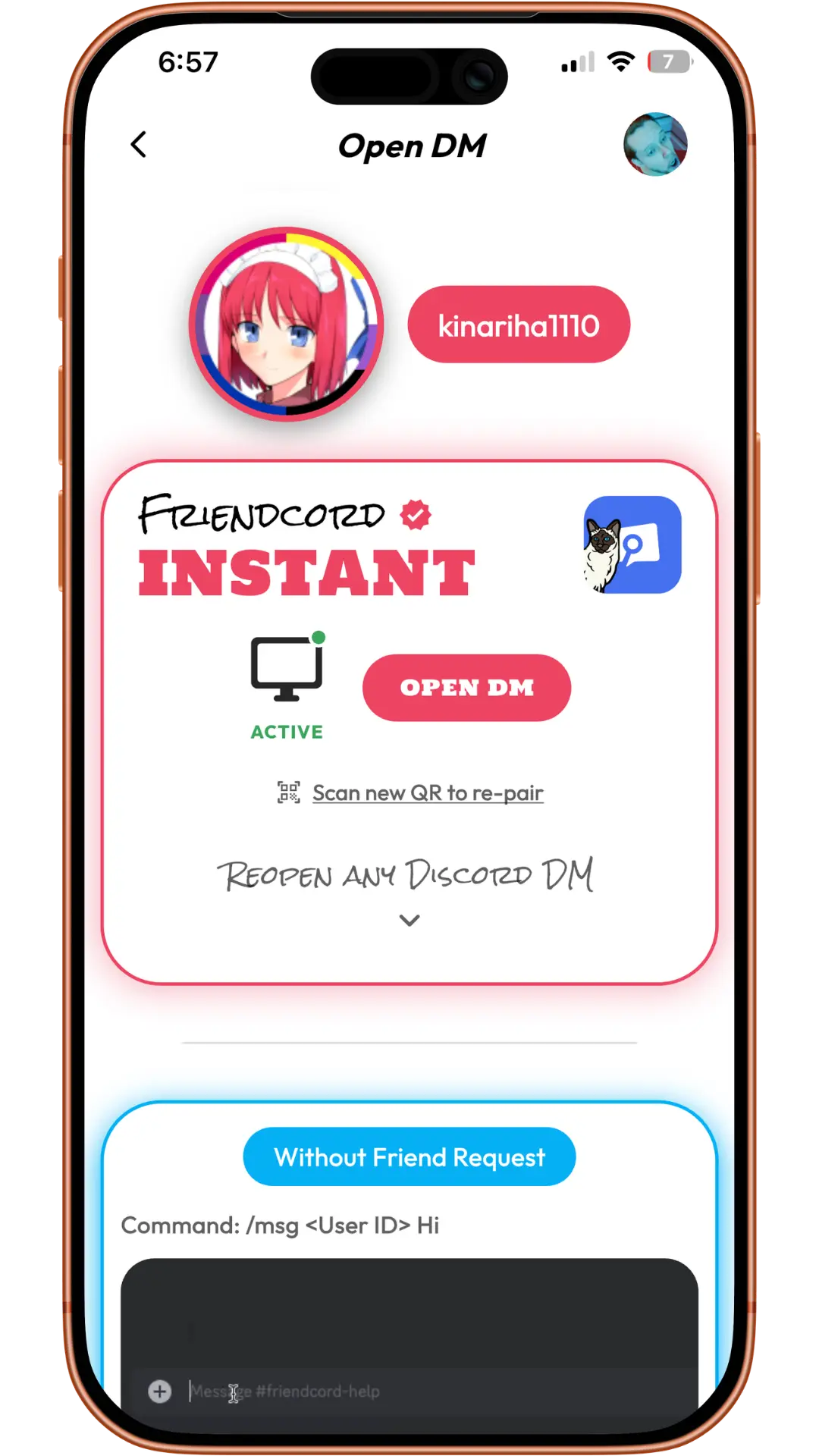
Product example: the active Instant option opens the actual DM in Discord.
If you already know the correct original User ID, use direct Instant opening without requesting a ZIP first. Friendcord’s owner confirms Instant can reopen existing conversations with blocked or deleted recipients; this was not independently tested on the quoted user’s account.
The reopened conversation can show both sides of its remaining history, even though your export contains your sent messages. Reopening does not restore individually deleted messages, reactivate an account, or allow sending through a block.
If you find the message but the video is missing
Open the attachment from the original message if it remains available. A link in the ZIP is not the video file itself. If it loads, save a local copy and check it opens outside Discord. If an old link fails, follow our attachment-link guide.
If the file was deleted or is unavailable, Friendcord cannot reconstruct it. Check your own downloads, backups, or the original external hosting service.
For general filter instructions, use our Discord search guide. For this particular problem, the next step is simple: search the history you have with Friendcord, identify the location, and use Instant when the match is a DM.
The quoted request is an individual historical experience, not a Friendcord endorsement. Screenshots are first-party product examples. Documentation and product flow were checked on October 27, 2026.