I received my data package yesterday and yes it only contains links to media.
That October 2024 Reddit post describes a practical problem: a link in an export is not a downloaded photo. Use Friendcord to find the original conversation, reopen it with Friendcord Instant, and save any attachment that still loads in Discord.
If you already know the correct original User ID, go straight to Instant. You do not need another data export to identify a conversation you already know.
Why a saved attachment link can stop working
Discord’s official attachment documentation says uploaded attachments use signed URLs with an expiry time. Discord refreshes those links within its client. An old copied URL failing therefore does not, by itself, establish that the underlying message or file was deleted.
Return to the message in Discord and try opening the attachment there. This is a troubleshooting step, not a guarantee that every old file remains available. Changing a URL’s expiry parameter does not create a valid signature or recover a missing file.
The data-package guide describes sent-message records and attachment CDN links. The ZIP is useful for locating what you sent; it should not be treated as an independent offline backup of every file exchanged in a conversation. Its sent-message limitation also means it does not contain the other person’s full reply history.
Find the original conversation with Friendcord
- Import your Discord data ZIP into the Friendcord mobile app. If you need to request one, use Discord Settings → Data & Privacy → Request your data and select message data.
- Search for a distinctive phrase you sent around the file: the game, project, trip, or description you discussed.
- Narrow by the approximate date and inspect recognizable messages to identify the right conversation.
- Open that conversation’s DM-opening options and choose Instant.
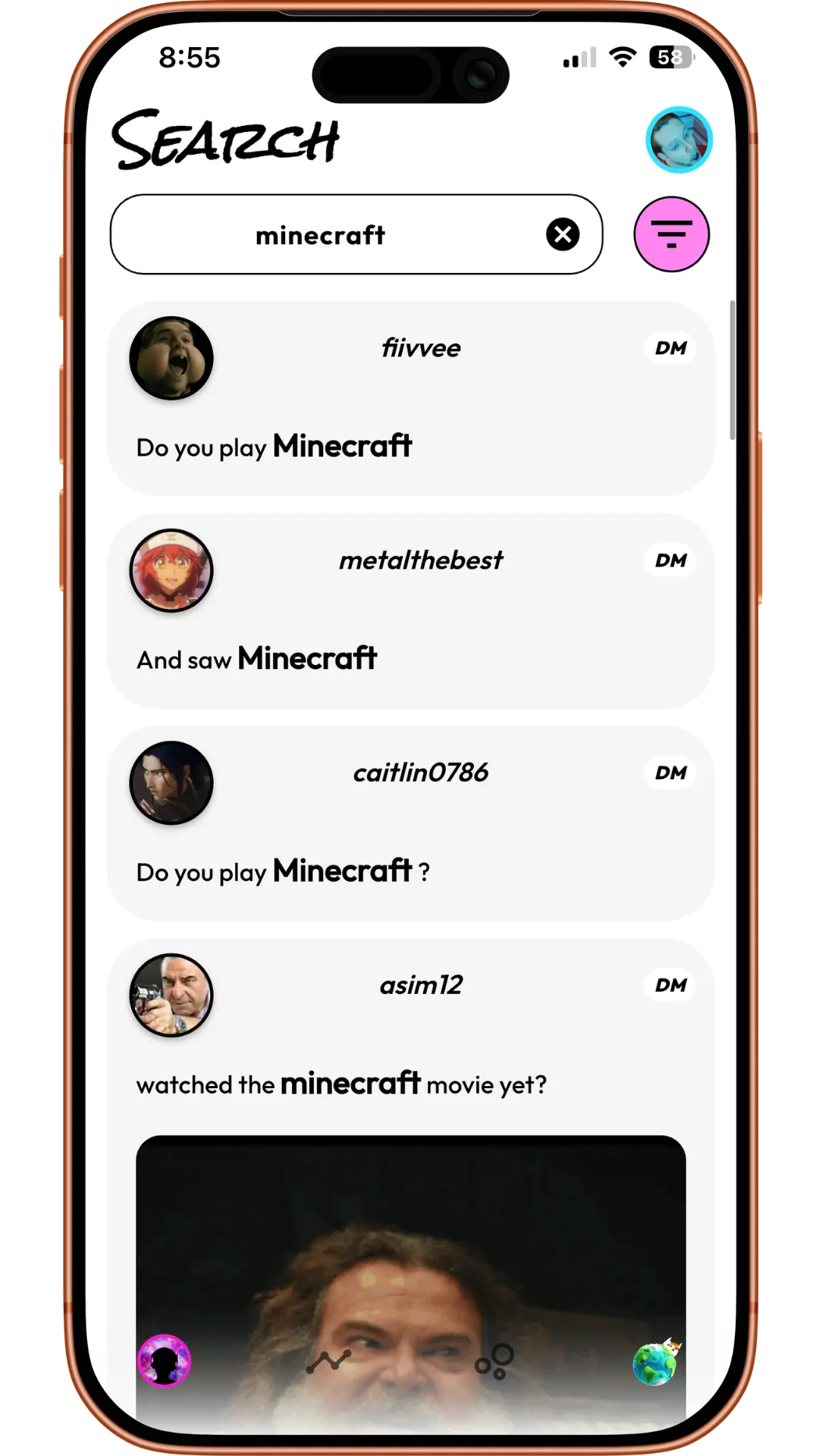
Product example: search a remembered topic to identify the DM. These example records are unrelated to the quoted Reddit user.
Keep the ZIP as a record, but verify that the actual image or video is saved separately before relying on it as a backup. For a broader walkthrough of locating photos, see finding photos in a closed DM.
Reopen the DM with Instant
- Install the Friendcord app and browser extension from the Friendcord website.
- Pair the app with the extension using its QR flow.
- Keep Discord signed in to the account that participated in the original conversation.
- In the mobile app, select the identified conversation or use the known original User ID, then select Instant’s Open DM action.
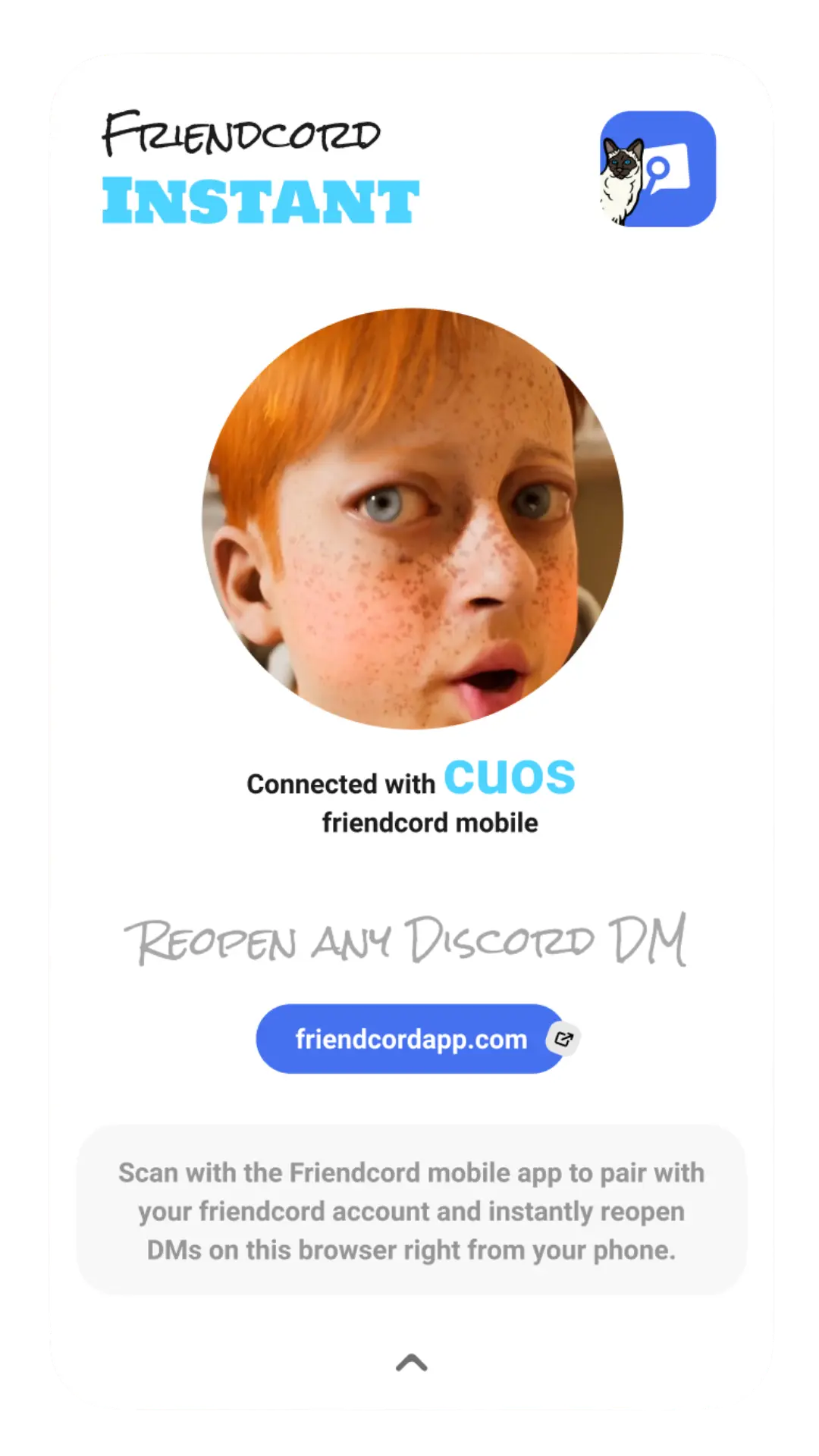
Product example: the paired extension connects the mobile app to the browser.
Friendcord’s owner confirms that Instant can reopen existing DMs with people who blocked you or deleted their accounts. This capability is owner-confirmed; it was not independently tested on either quoted user’s account. Reopening does not reactivate an account, restore deleted messages, or let you send through a block.
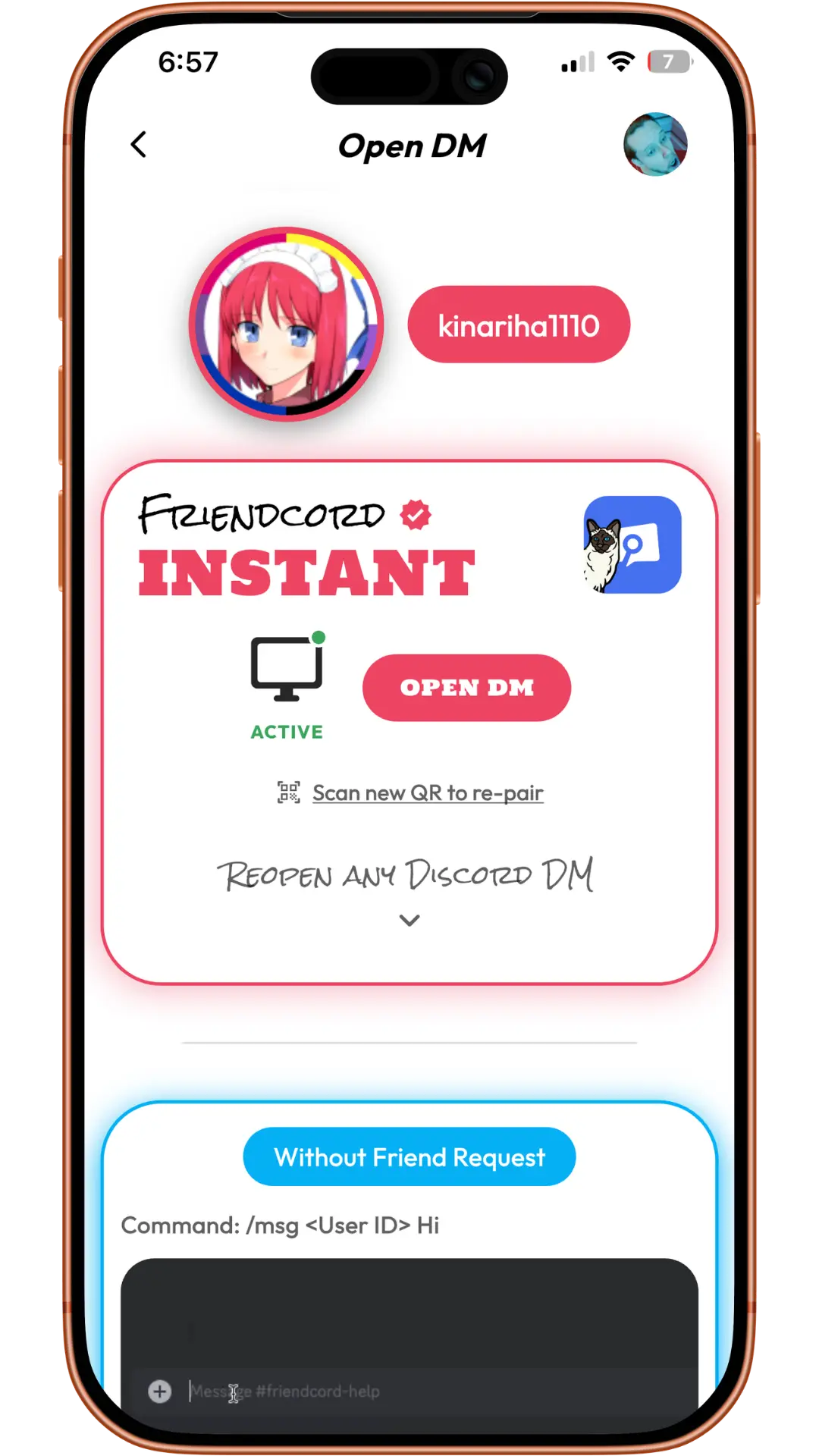
Product example: choose Open DM in the active Instant section to reach the conversation in Discord.
The reopened conversation can contain both sides of its remaining history. That is different from the sent-message records in your ZIP. If you cannot access the original Discord account, a different account does not inherit its DMs.
Save the actual file, then check your backup
Once the DM opens, locate the original message. Use the conversation’s image or file search filter and an approximate date if needed. Open the attachment from that message, use the available download or save action, and check the resulting file in your Downloads folder or device storage.
For a durable copy, open the downloaded file outside Discord, confirm it is the intended image or video, and keep another copy in storage you control. Saving only the message URL or attachment URL leaves a dependency on Discord and the file’s continued availability.
Download all the multimedia content of a Server or DM Chat
This excerpt comes from an April 2024 Discord community feature request. It asks for a bulk-download feature; it is not evidence that such a button exists. Friendcord helps find and reopen the conversation. This guide does not claim that it exports every attachment into an offline folder.
If the attachment still fails inside Discord
Confirm that you opened the correct message, then try a current Discord browser or desktop client. If the file still fails, check copies you previously downloaded, device backups, or the original external hosting service if it was an external link.
If the message was deleted or the underlying file is no longer available, Friendcord cannot reconstruct it from a dead URL. Instant also does not restore removed server channels or server membership.
Find the conversation with Friendcord, open it with Instant, and save the file itself while it is accessible.
The quoted posts describe individual historical experiences, not Friendcord endorsements. This article addresses the attachment-backup question, not the Reddit post’s legal-compliance question. Documentation and product instructions were checked on October 23, 2026.