Old account is dead upon log out
A January 26, 2026 Reddit poster used those words while asking how to move to another account without losing their friends and conversations. If you still have the old account’s data ZIP, import it into Friendcord to search the available sent records and identify old contacts. If you can still sign into the original Discord account, use Friendcord Instant to open its remaining DM history.
An archive, a contact list, and a live Discord conversation are different things. Friendcord helps you find records and open DMs; importing a ZIP does not merge two Discord accounts or move the original conversation into a new identity. The quoted posts describe personal experiences, not Friendcord endorsements.
Choose the route that matches your access
Still able to sign into the old account: keep its history accessible there, request its data, and use Instant from that account. Already have its ZIP but cannot sign in: search the included sent records in Friendcord and keep the archive separately. Have neither: use Discord’s official account-support and data-request routes first; a new account’s empty history cannot supply the missing records.
The poster’s main problem was an old logged-in phone combined with a forgotten password and an inaccessible email address. A working session does not prove you can sign in again on a new device. Use Discord’s password-reset guide for the login problem; Friendcord cannot reset credentials or remove verification requirements.
1. Save the original account’s data before moving
From the old account, request the data ZIP under Data & Privacy and save the delivered file securely. Discord says delivery can take up to 30 days; disabling or deleting the account before delivery cancels the request. If access is permanently lost, its documentation directs personal-records requests to [email protected].
Keep the original ZIP unchanged. A request from your new account covers that new account, not the old identity’s conversations. If you need a detailed download walkthrough, use our data-package guide.
2. Find the conversations and contacts you want to keep
Import the old ZIP into Friendcord. Search a phrase you remember sending, an old nickname, a game, or a date range. Inspect the matching conversation before treating a similar name as the right person. Save the original User ID when it is available.
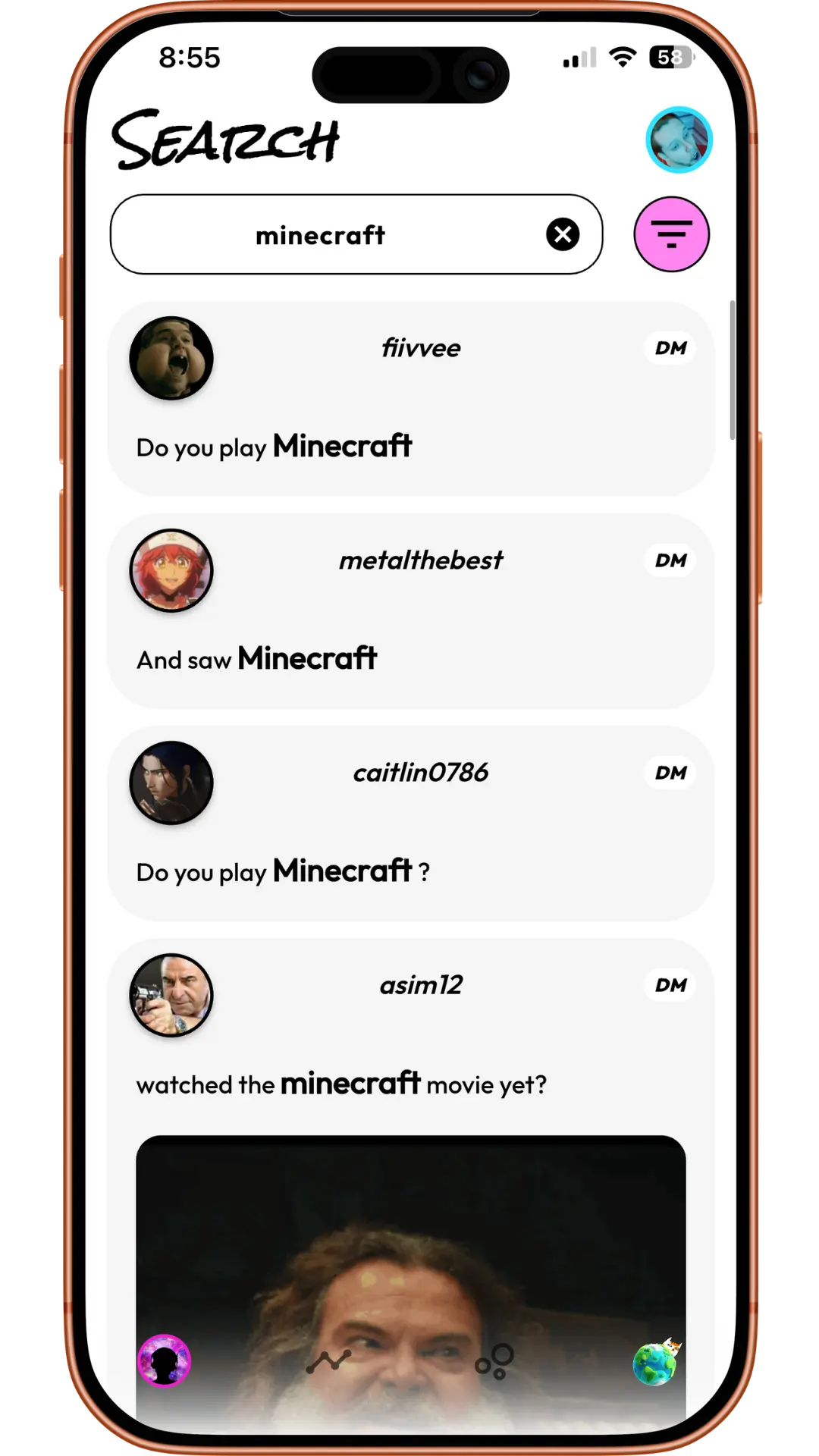
Discord’s export contains the requesting account’s sent messages. It also documents relationship information and channel/user identifiers. Those records can help identify a contact, but they are not a complete two-sided transcript. Individually deleted messages are excluded. An old export is a snapshot, not a live friend-list sync.
3. Open the old DM from the original account
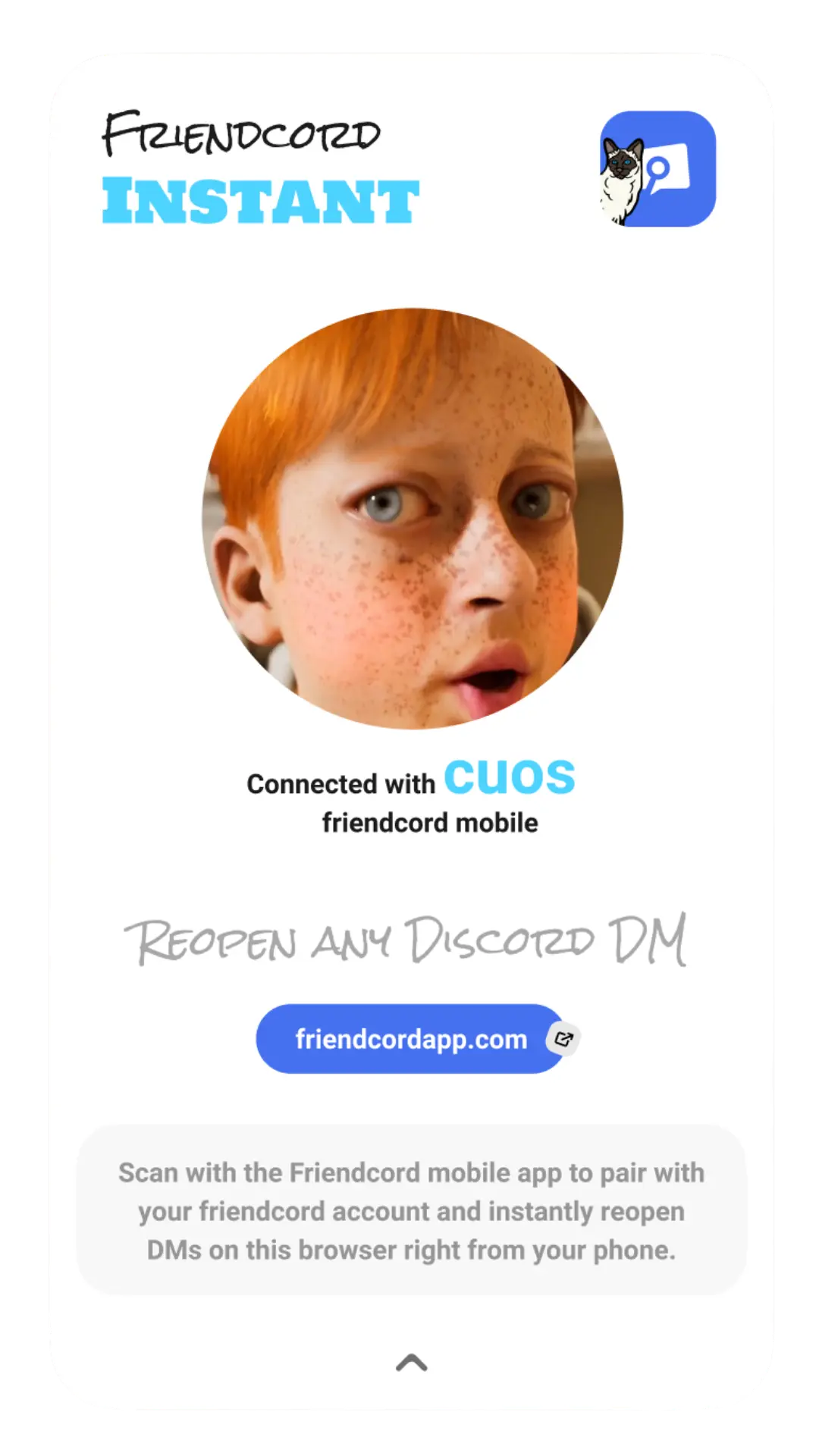
Use Instant as the preferred opening option: install the Friendcord browser extension in Chrome, Edge, Brave, or Arc, pair it with the mobile app using the QR pairing flow, and check which Discord account is signed into that browser. To read the old account’s existing one-to-one thread, that must be the original participant account.
Select the identified person’s Open DM options in Friendcord and use Instant’s Open DM button. If you already know the correct original User ID, you can use the direct Instant route without an export. The remaining replies in Discord can be read in the reopened conversation; they are not limited to the sent records in the ZIP.
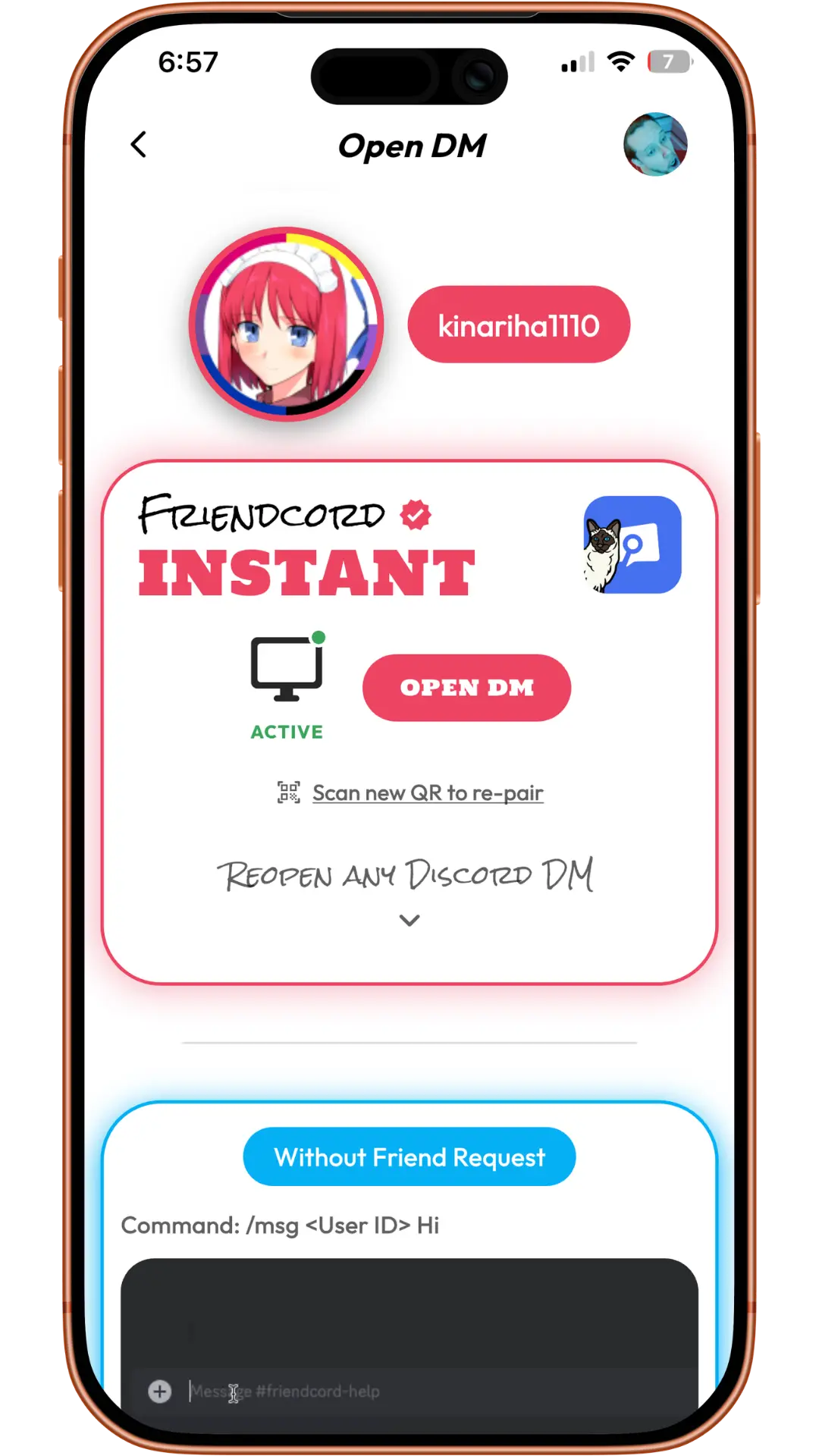
The Friendcord owner confirms Instant supports reopening DMs with blocked users and deleted accounts. Those cases were not independently tested for this article. This opens the original thread for an existing participant; it does not grant your new account access to the old identity’s private conversation. Reopening does not restore deleted messages, reactivate accounts, or enable sending through a block.
What if you hoped to transfer every DM?
None of the old DMs would be able to be transferred over
Another Reddit poster worried about this while losing access to years of brainstorming conversations. Friendcord offers a practical way to search available exported sent records; live two-sided context still requires access to the original conversation. It is not a tool for importing that history into a new Discord account.
If the old account cannot be recovered, keep any existing archive and notes you already have. A willing conversation partner may share relevant messages they can still access, but that is a separate copy, not a restored original thread. For important project ideas, save an independent document instead of relying on a single chat account.
Account switching and reconnecting are separate steps
Discord documents its desktop Account Switcher as a way to move between signed-in accounts. It is not described as a history-merging tool. Before using Instant after a switch, check the active Discord identity again.
When reconnecting from an account you are allowed to use, confirm who you are through a contact method the friend already recognizes. A new conversation has its own context. Server membership, roles, and ownership are separate from archived DMs; use the server’s normal invitation and administration process for those.
Start with the history you already have
Open Friendcord, import the original account’s ZIP, and find the conversations you care about. If you still have the original Discord login, pair Instant and open the live DM for its remaining context.