I cannot find the most recent message.
A Reddit user described this on September 4, 2026 after receiving an export following an account compromise. Their goal was to check whether someone had sent messages from their account. Start with Friendcord: import the Discord ZIP, search the available sent records around the incident, and use Instant to reopen an identified DM when you need the conversation around it.
This guide helps you review what remains available. A message attributed to your account does not establish which person typed it, and an empty search does not prove nothing happened. The quoted users have not endorsed Friendcord.
Secure the account before reviewing messages
Follow Discord’s compromised-account guide: reset your password, enable MFA, remove unwanted Authorized Apps, and check your device for malware. If you cannot sign in, use the official hacked-account support route. Do this before pairing a browser session with Friendcord.
Write down the approximate incident window and which timezone you are using. Keep the original ZIP unchanged and work from a separate copy. These notes help you compare records without mixing up local time and timestamp offsets.
Find suspicious sent records with Friendcord
1. Import the ZIP you received from Discord into Friendcord. If you do not have it yet, follow our download guide. If access is permanently lost, Discord directs data-package requests to [email protected]. Friendcord cannot obtain an export on your behalf or unlock a suspended account.
2. Search for a distinctive word, domain, or phrase from a message a friend reported receiving. Use date filters to narrow the incident window, then inspect matching records and conversations. Search additional fragments if the first phrase produces no result; avoid opening suspicious links or attachments.
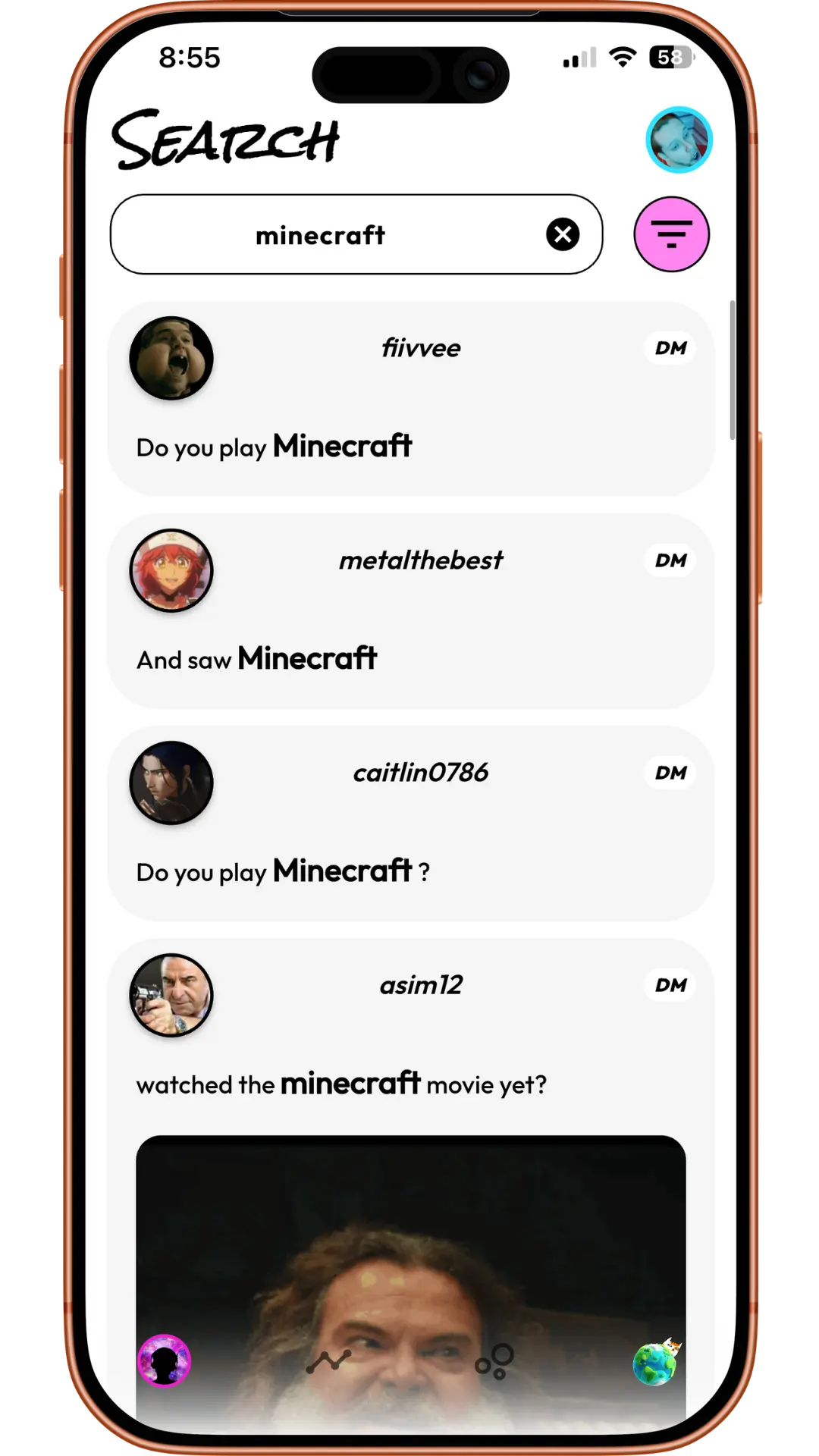
3. Compare the timestamps on matching records. Do not assume the first search hit or the highest-numbered folder is the newest message. For a full chronological check, compare timestamps across the relevant message transcript files as well. Friendcord helps locate records; this workflow does not claim a verified global newest-message sort.
4. Note the message ID, timestamp, conversation identifier, and relevant text for each record you need to discuss with support. Keep unrelated private information out of anything you share.
Open the actual DM with Friendcord Instant
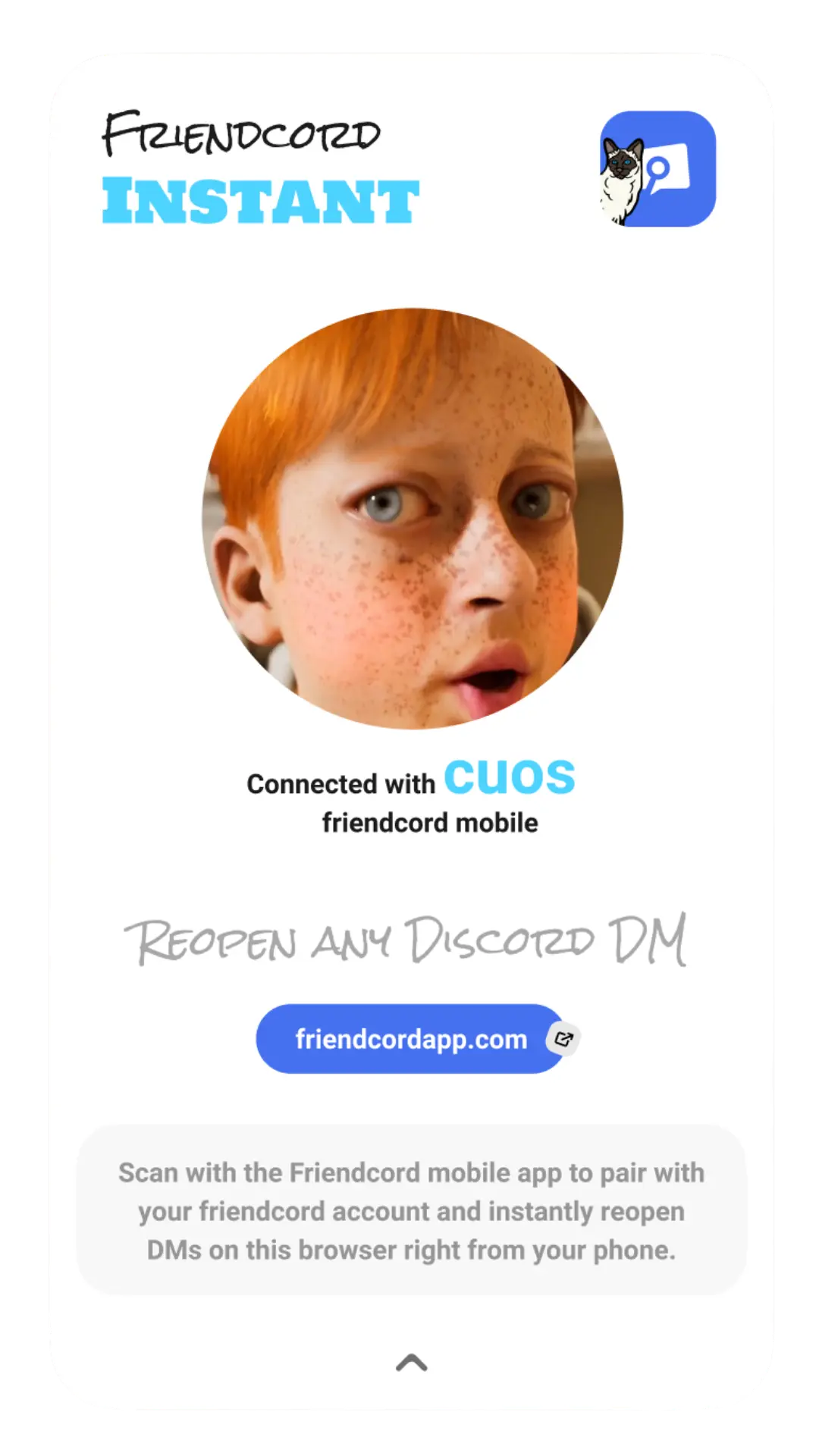
After you identify the conversation, use Friendcord Instant, the preferred opening option. Install the browser extension in Chrome, Edge, Brave, or Arc, pair it with the Friendcord mobile app using its QR pairing flow, and keep Discord signed into your recovered account in that browser.
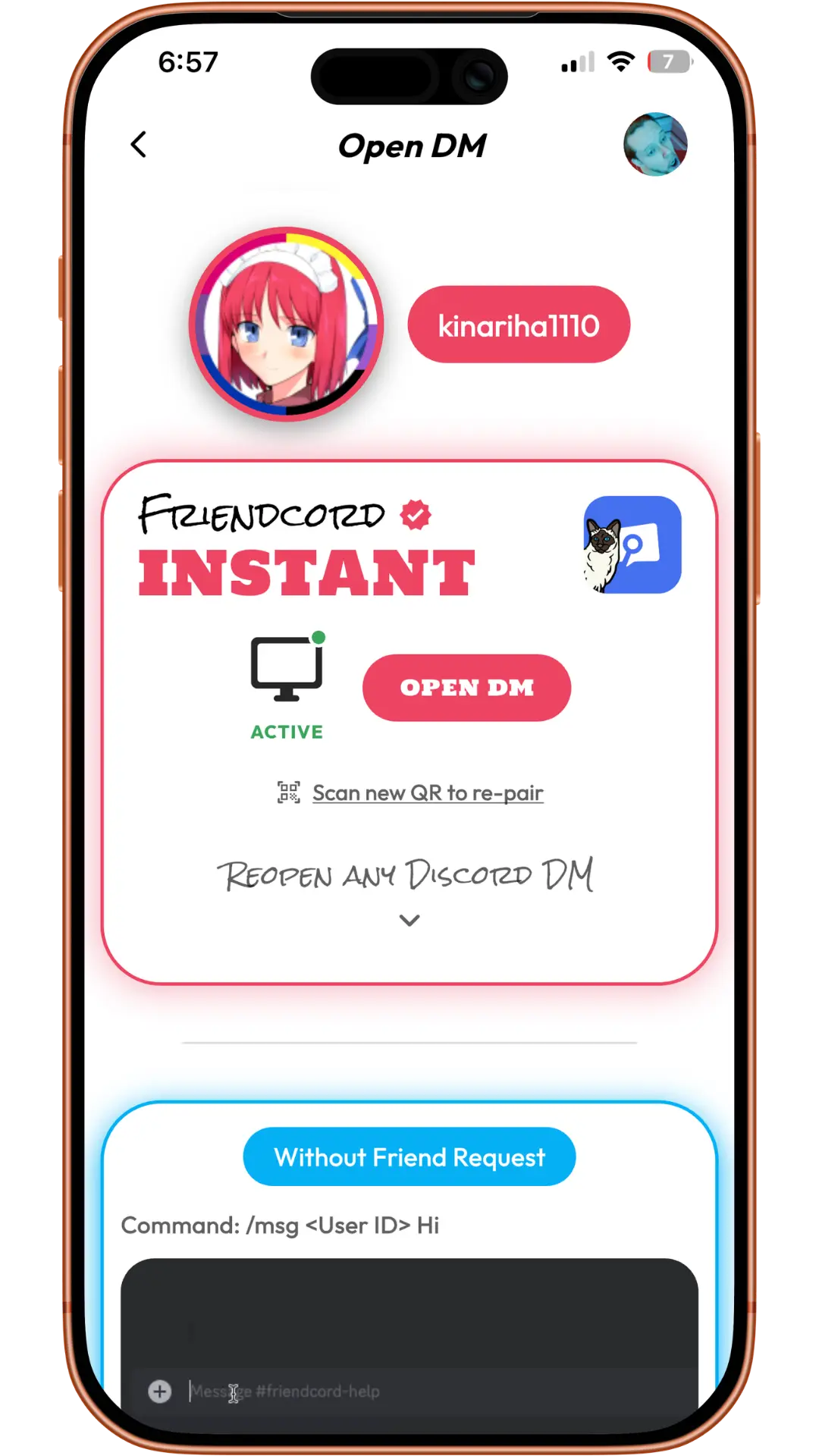
Open the identified user’s Open DM options in the app and choose Instant’s Open DM control. If you already know the correct original User ID, use the direct Instant route without waiting for an export. Read the remaining history in Discord, including replies that are still there.
The Friendcord owner confirms Instant can reopen DMs with blocked users and deleted accounts; we have not independently tested those cases for this guide. Reopening does not reactivate accounts, send through a block, restore deleted messages, or restore access to a departed server.
What if the suspicious message was deleted?
I’m not able to see the message on my downloadable data/chat history, because any manually deleted messages are not included in the chat logs.
Another Reddit poster reported this after an allegedly unauthorized message disappeared. The account-compromise claim is their account of events. Friendcord cannot recreate that missing message. Preserve any existing recipient screenshot separately and label it as a screenshot rather than an original message record.
Discord’s export contains your account’s sent messages, not both sides. Its message transcripts include IDs, timestamps, text and attachment links; individually deleted messages are excluded. Those limits differ from an opened Discord DM, where remaining replies can still be read.
Can the export identify a hacker or who reported me?
No message-search result by itself identifies the person using an account. The first poster also asked about reports and a very large JSON file. A file’s size or a folder called Reporting does not establish that it lists people who reported you. Discord describes separate activity and support-ticket data; do not treat them as a reporter directory. Friendcord is not a forensic attribution tool and does not promise to process every oversized activity file.
Keep a short incident timeline with the original records and your uncertainties, then give relevant information to official support. For message links and context, see our evidence guide. No export viewer can guarantee an appeal outcome.
Review the records you have
Import your ZIP into Friendcord to find relevant sent messages. Once your account is secure and the DM is identified, pair Instant and open the remaining Discord conversation for context.