“I'm able to copy their user ID and it seems that they all have the same ID.”
A user described this in a Reddit discussion about deleted accounts. If the number you copied is 456226577798135808, it does not identify the particular friend whose DM you want to open. First find the correct conversation in Friendcord, then use Friendcord Instant to reopen the actual Discord DM.
If you already have the person's correct original User ID, skip the data export and use Instant directly. Friendcord's owner confirms that Instant can reopen an existing conversation even if the other account is deleted or has blocked you.
Why the same deleted-user ID keeps appearing
In Discord's API repository, a contributor explains that 456226577798135808 is used on messages from deleted users to hide the real author. The Reddit discussion also distinguishes copying an ID from an anonymized message from copying the account's entry in an existing DM list.
The practical point: a number copied from an old message can be the shared placeholder. It is not a reliable recipient ID for that specific conversation. Pasting it into a profile lookup cannot tell you which of several deleted users wrote the message.
If the DM is still visible, try its entry in your DM list instead of the message author's name. Enable Developer Mode under Discord Settings → Advanced, then use Copy User ID where available, following Discord’s official ID instructions. This DM-entry distinction is community guidance; check the result against your known conversation rather than assuming every copy action returns the same kind of ID.
A chat ID is different from a User ID
“i have the id’s of the chats themselves”
That is the key detail in a January 5, 2024 Reddit question about missing deleted-user DMs. The user had found chat logs but could not use their chat IDs to search for the people.
Use the chat ID to locate the right folder or conversation in your archive. Use the recipient's User ID when opening a conversation by user. A message ID identifies one message; a channel ID identifies the chat; a User ID identifies the account. They are all long numbers, so their length alone does not tell you which one you have.
Discord's data-package documentation says message folders are organized by Channel ID, while DM metadata includes the associated Channel ID and User IDs. When reading that metadata, exclude your own User ID and check that the remaining recipient belongs to the conversation you recognized. Do not treat the folder name as the recipient.
Find the conversation in Friendcord before opening it
Import your Discord ZIP
Use the Discord account you originally chatted from. If you do not have its export, open Settings → Data & Privacy → Request your data and select the message data you need. Download the ZIP from Discord's email when it is ready; preparation can take up to 30 days.
Import the ZIP into Friendcord. Keep any earlier saved package too: it may contain useful conversation details that are absent from the newer copy.
Search something you sent
Search a distinctive phrase, game, nickname, or topic you remember sending. Narrow the results by the approximate date, then inspect the matching conversation. Recognizable message content is a better clue than a repeated Deleted User label.
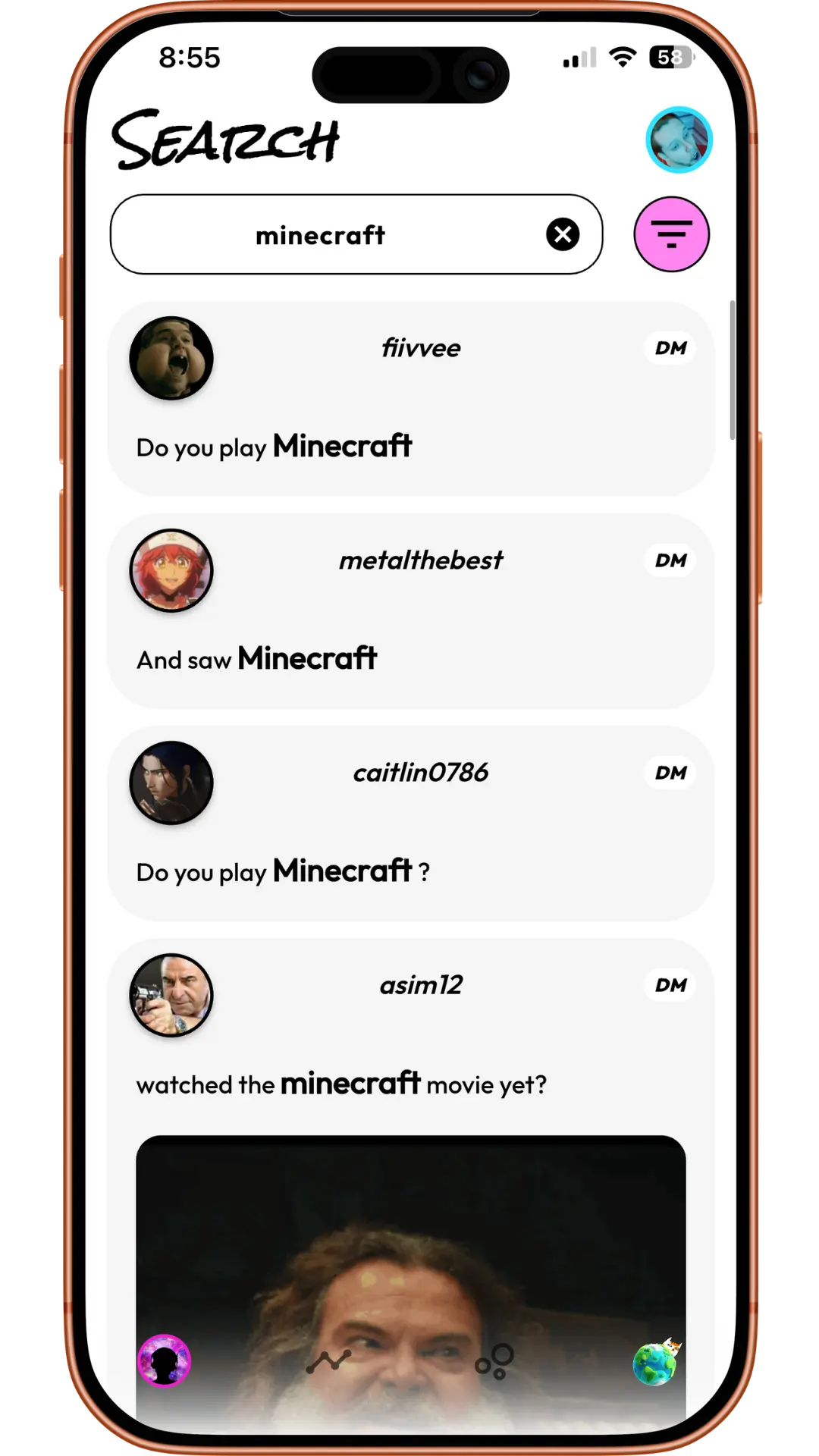
Discord's ZIP contains your sent messages, so start with words you wrote. Friendcord can search what is present in that package; it cannot recreate missing recipient metadata. Once you identify the conversation, open its DM-opening options and choose Instant.
Pair Instant and open the actual DM
Install the Friendcord browser extension using the link in the Instant section. Open Discord in that browser and sign in to the account that had the conversation. Pair the extension with the Friendcord mobile app by scanning the extension's pairing QR code from the app.
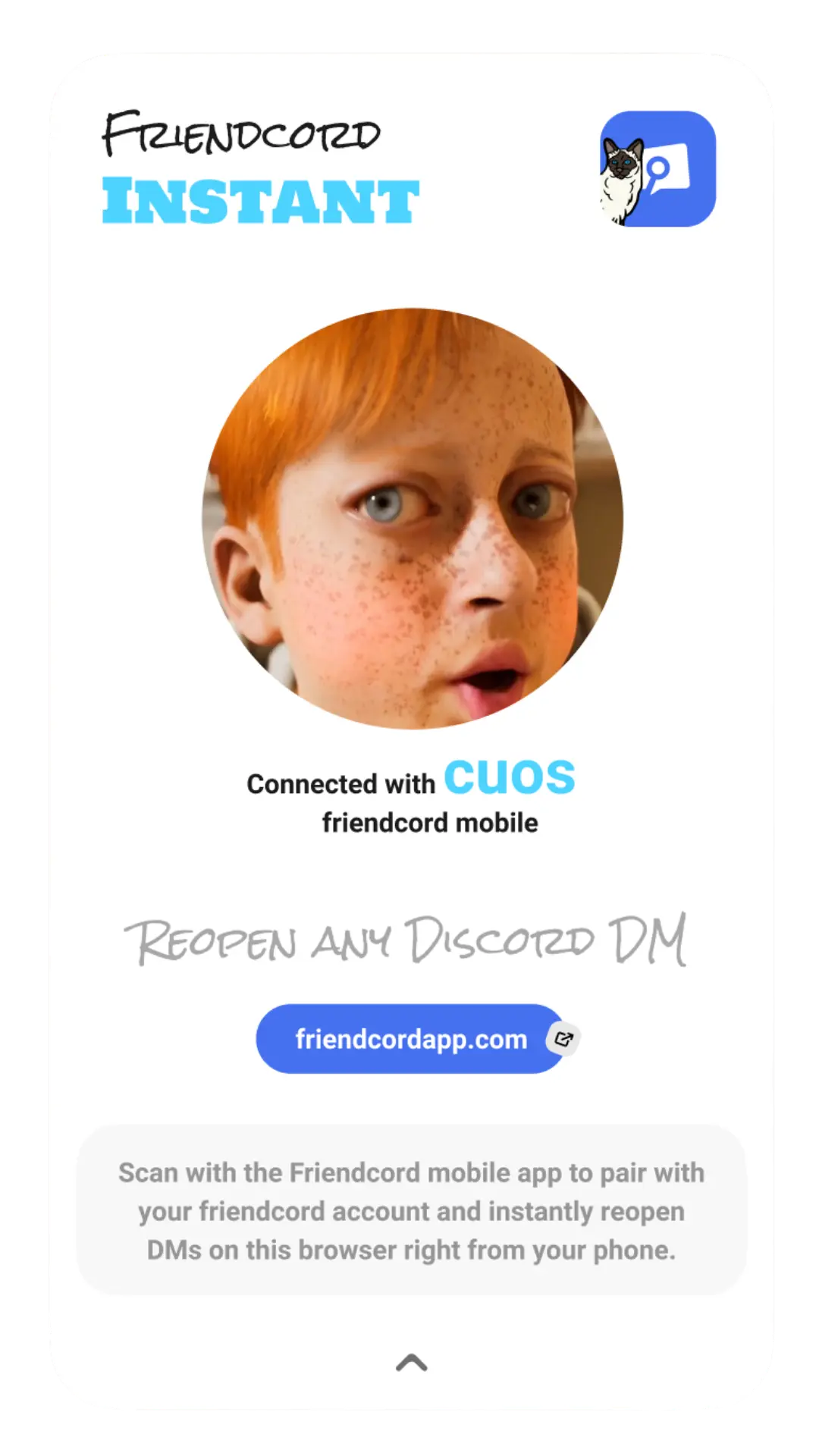
On the conversation's Open DM screen, check that the Instant connection is active and tap Open DM. If you already know the correct original User ID, use Friendcord's User ID route to select that account and open it with Instant without importing a ZIP first.
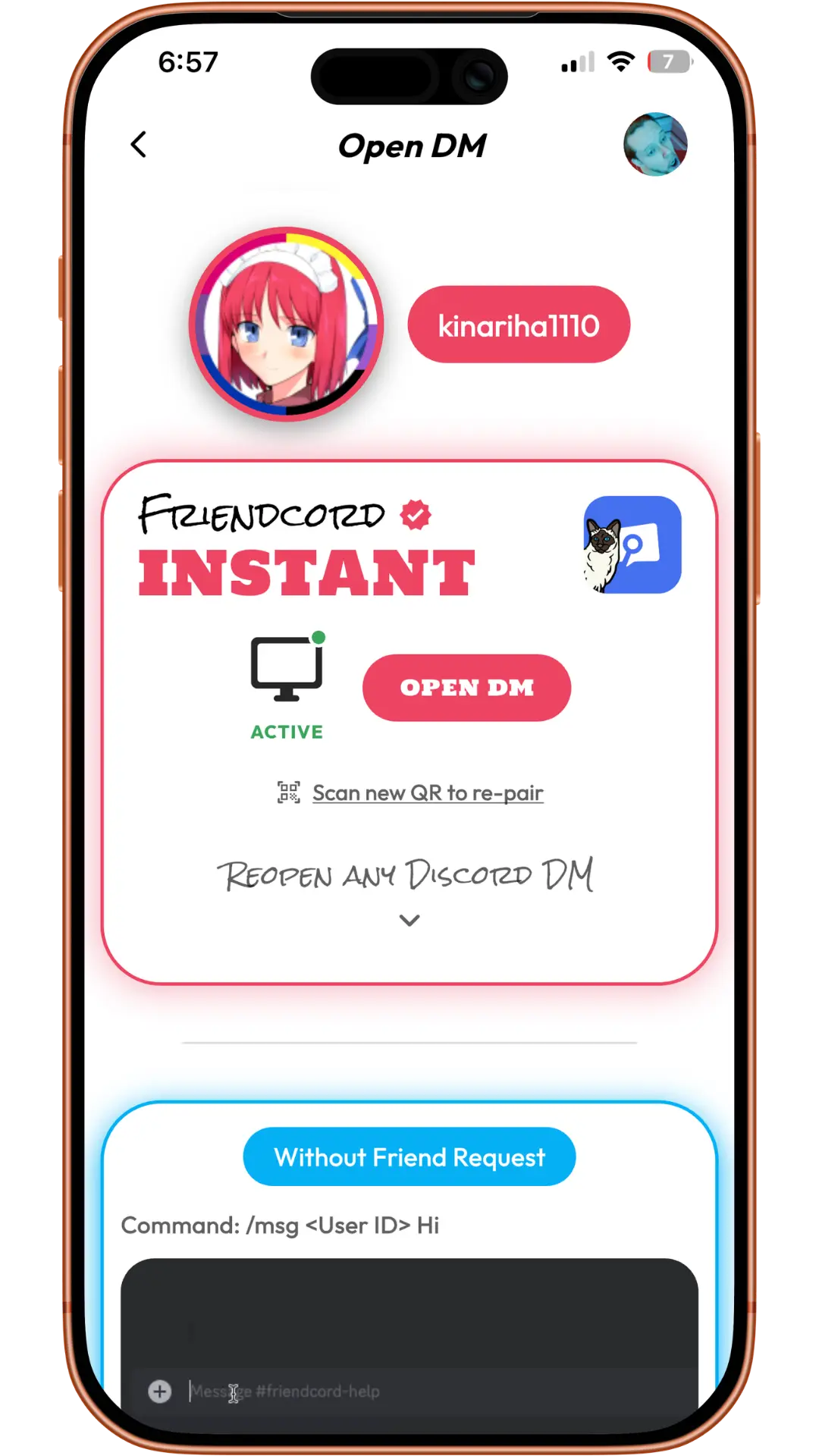
Instant is the preferred opening option. The owner confirms that it opens existing DMs with blocked or deleted accounts; the screenshots illustrate the interface, not an independent test of those account states. Reopening does not remove a block, allow messages through it, or restore the deleted account.
The export and the reopened conversation are different views. Your ZIP contains your sent messages. After Instant reopens the actual Discord conversation, you can read the other person's replies that remain there too.
What if the export does not contain the original User ID?
“now it simply includes my id and "deleted user" without id”
A user reported this in GitHub issue #8274, opened April 5, 2026, after accidentally closing a friend's deleted-account DM. This is an individual report, not evidence that every Discord package omits these IDs.
For this situation:
- Check an earlier export for the same conversation's recipient metadata.
- Check any still-visible DM entry or saved record where you previously copied the correct original User ID.
- Compare the conversation's dates and your messages before choosing an account. If all you have is 456226577798135808, treat the recipient as unidentified.
- If the recipient metadata is missing, ask Discord support about the incomplete package and contact Friendcord support through the website for help interpreting the available conversation details. Describe what is missing; avoid posting your full private export publicly.
Friendcord can make available data easier to search and can open the DM with Instant once the correct conversation or original user is identified. It cannot invent an original User ID that is absent from every record you have.
Once the correct DM is open
Search the remaining history in Discord for the reply, date, or attachment you wanted. If you are looking for pictures, follow our guide to finding photos in a closed DM with a deleted account.
An individually deleted message will not return when you reopen the DM. A photo that no longer loads is not guaranteed to become available either. Those limits are separate from finding and reopening the conversation.
Find the right conversation with Friendcord, then open it with Instant. Start with the correct recipient, not the shared Deleted User ID.
The quoted posts describe individual experiences, not endorsements of Friendcord. Product instructions and source pages were checked on October 11, 2026.