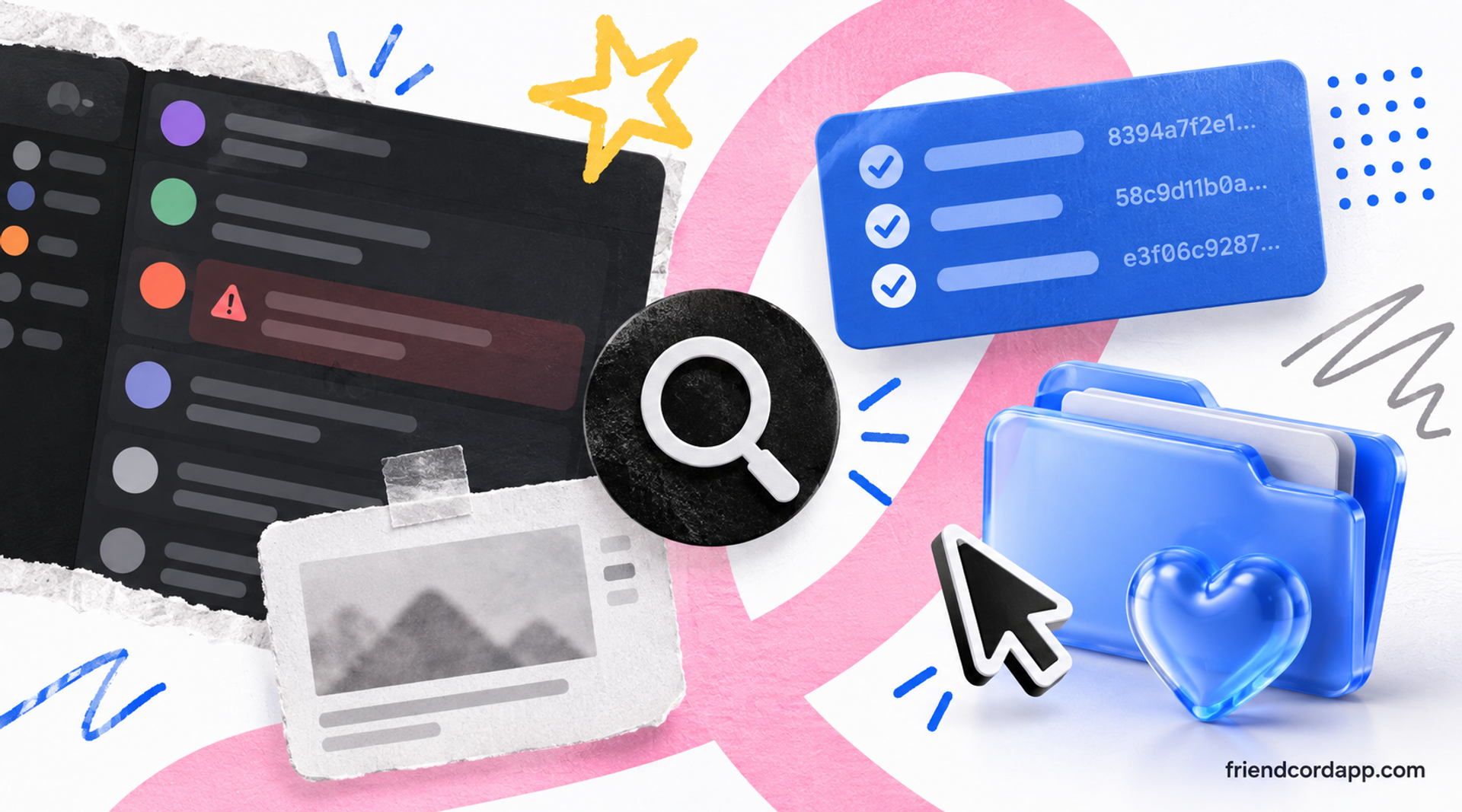
When something goes wrong in a Discord server, a moderator needs more than a screenshot. The strongest record usually includes the original message, the person who sent it, where it appeared, and enough surrounding context to explain what happened.
What to capture before taking action
Preserve the message link, the sender’s User ID, the server and channel, the date and time, and a short description of the rule or behavior involved. Capture the surrounding messages when context matters, but avoid collecting unrelated private conversations.
Copy the message link
Open the message’s action menu and choose Copy Message Link when available. Keep the link with your moderation notes so another moderator can return to the original location.
Copy the sender’s User ID
Enable Developer Mode in Discord settings, then copy the user’s ID from their profile, message, or server member list. User IDs are more reliable than display names because names can change.
Record the server context
Write down the server, channel, approximate timestamp, relevant rule, and any related messages. A complete record makes it easier to review an incident fairly instead of relying on a cropped image.
Why screenshots are not enough
Screenshots can show what appeared on screen, but they may omit the message link, account identifier, surrounding context, and exact timing. They can also be difficult to search later. Keep screenshots when visual evidence matters, but pair them with structured notes and stable identifiers.
Keep a secure copy of important history
Discord’s data export can contain useful account history. If you request a data package, store it securely because it may include sensitive personal information. Only retain the material you need for the moderation or support task.
Search old evidence with Friendcord
If you need to locate an older message, user, or conversation, Friendcord can search imported Discord history using usernames, User IDs, message text, dates, and other clues. That can help when a report is missing its original link or when a moderator remembers only part of the conversation.
Friendcord is a history-search tool, not a replacement for Discord’s moderation systems. Use it to find context in records you are authorized to access, then apply your server’s rules and review process.
A practical moderation evidence checklist
Before closing a report, check that you have the original message link when possible, the sender’s User ID, the server and channel, the relevant rule, the approximate time, the surrounding context, and a note explaining the action taken.
Protect people while preserving evidence
Limit access to moderation records, avoid reposting sensitive messages, and redact personal information when sharing an incident outside the moderation team. Good evidence should make a decision clearer without exposing more private material than necessary.
Frequently asked questions
Can Friendcord restore a deleted Discord message?
Friendcord can find relevant history only when the information exists in the data you imported or another record you have. It cannot recreate content that is permanently absent.
Is a Discord User ID better than a username for a report?
A User ID is a more stable identifier for an account. Pair it with the message link and server context for the clearest record.
Should moderators save every message?
No. Save the material needed to review a specific report, follow your server’s retention policy, and avoid collecting unrelated private conversations.
Need to find an older Discord conversation? Open Friendcord and search the history you have permission to use.