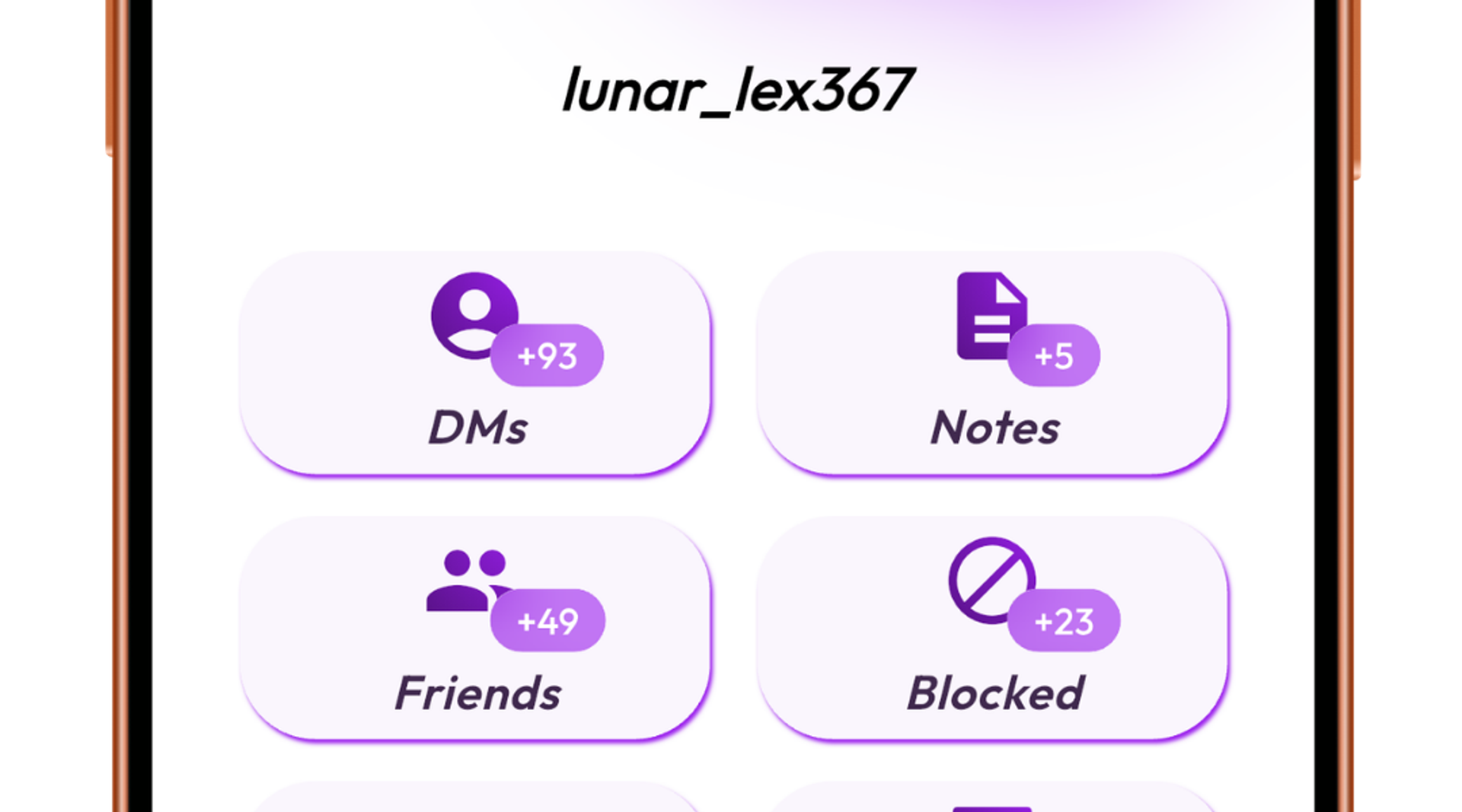
Forgot their username or ID, closed the DM, or now see a deleted account? Import your Discord data package into Friendcord, search for any clue you remember, then open the matching conversation. Friendcord can help you find and reopen the historic DM from your own data, even when Discord’s normal inbox no longer makes it easy to locate.
Find and open the old DM with Friendcord
1. Import your Discord data package
If you have not requested your data yet, request it in Discord settings and import the downloaded package into Friendcord. Discord says the package can include your sent messages and the User IDs associated with DM conversations. See Discord’s data-package guide.
2. Search with whatever you remember
You do not need the person’s current username or ID. Search a phrase from the conversation, an old display name, approximate date, server, or another distinctive detail. Friendcord searches the messages and account information available in the package to help identify the right DM.
3. Open the matching conversation
Open the result to return to the historic DM in Discord. The conversation can still be useful when it has been closed, the account now appears deleted, or the person has blocked you. Get started with Friendcord.
What if they blocked you or deleted their account?
Friendcord can help you find and open the old DM, but it does not remove a block. Discord says blocking prevents direct messages and new friend requests, so reopening the historic thread does not mean you can send a new message. Read Discord’s blocking guide.
If the account was deleted, Friendcord can still locate the conversation details that remain in your imported package; it cannot restore the account. This works only for data present in the export. Discord notes that manually deleted messages are no longer stored and will not appear in the package.
Quick answers
Do I need their username or User ID?
No. Search by a message, phrase, date, old display name, or another detail from your own Discord history.
Can Friendcord open a DM if they blocked me?
It can help reopen the historic conversation from your export. It cannot undo the block or make a new message deliver.
Can it recover deleted messages?
Only messages available in the data you import. It cannot recover messages that are absent from your Discord data package.