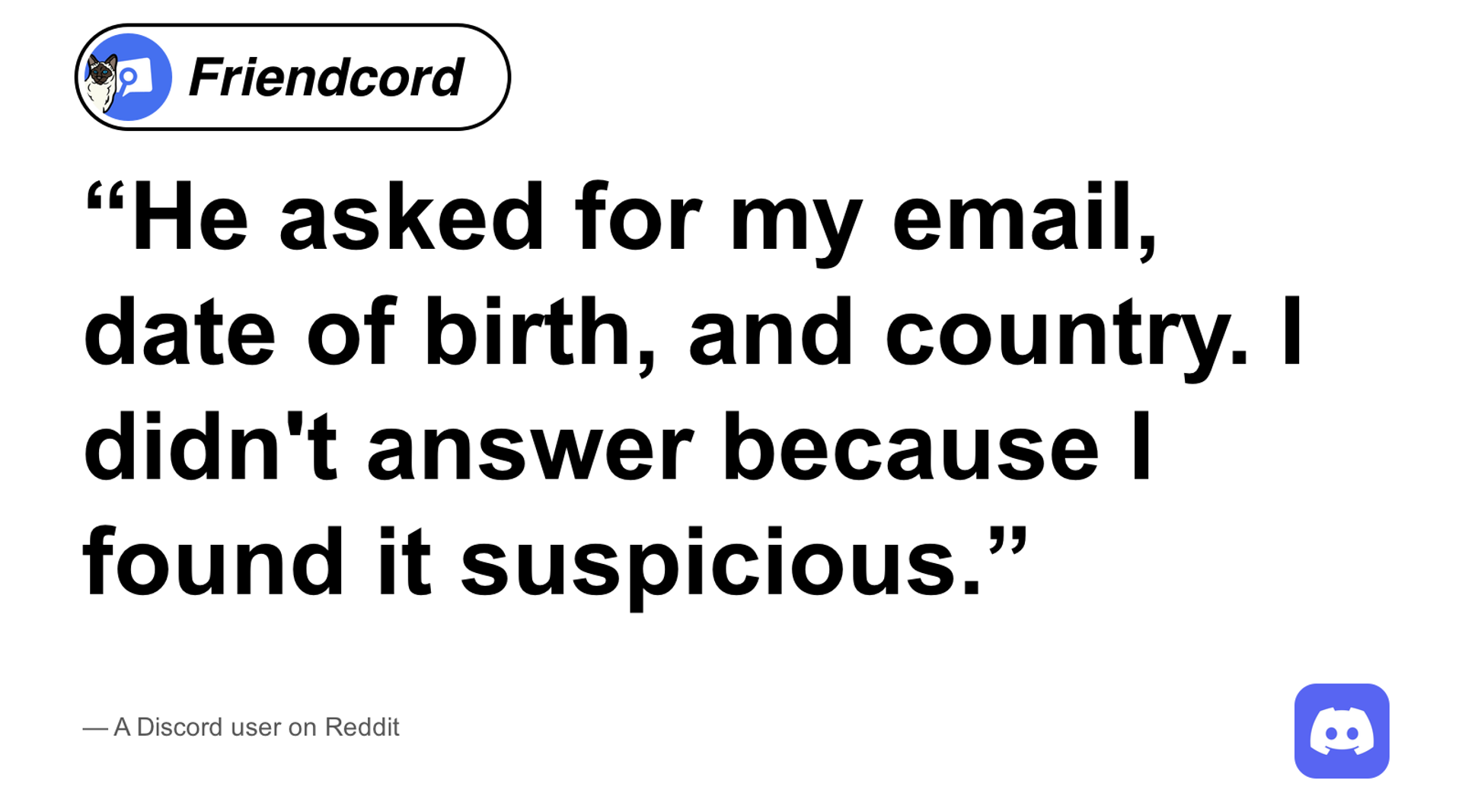
He asked for my email, date of birth, and country. I didn't answer because I found it suspicious.
A Reddit user described this support-impersonation DM: someone claimed their account had been reported and demanded answers to remove the report. Stop responding to that request. If you closed the conversation and need to inspect it again, Friendcord can help identify the DM and Instant can reopen it.
Friendcord retrieves conversations; Discord handles abuse reports and account recovery. Reopening a conversation does not require sending the suspicious account another message.
Is the support message real?
Discord’s current compromised-account guidance says staff do not contact users through the app for support matters. A request for personal details, money, or a credential change should not be followed. Open the official support site yourself if you need help.
The Reddit poster later said they reported both involved accounts. Their experience illustrates a specific warning sign; it does not establish how often this scam occurs. We could verify the original text but not the exact post date, so no date is attributed here.
A display name, convincing profile picture, screenshot, or urgent claim about a report is not a reason to follow account-change instructions from a stranger.
If you closed the suspicious DM, find it with Friendcord
If you know the correct original User ID, use Friendcord’s direct Instant option without requesting a data export first.
If you do not know it, import your Discord data ZIP into Friendcord and search a distinctive reply you sent around the incident. Try a short phrase about the supposed report or account issue, then narrow by the approximate date. Check surrounding records to confirm the conversation before opening its DM options.
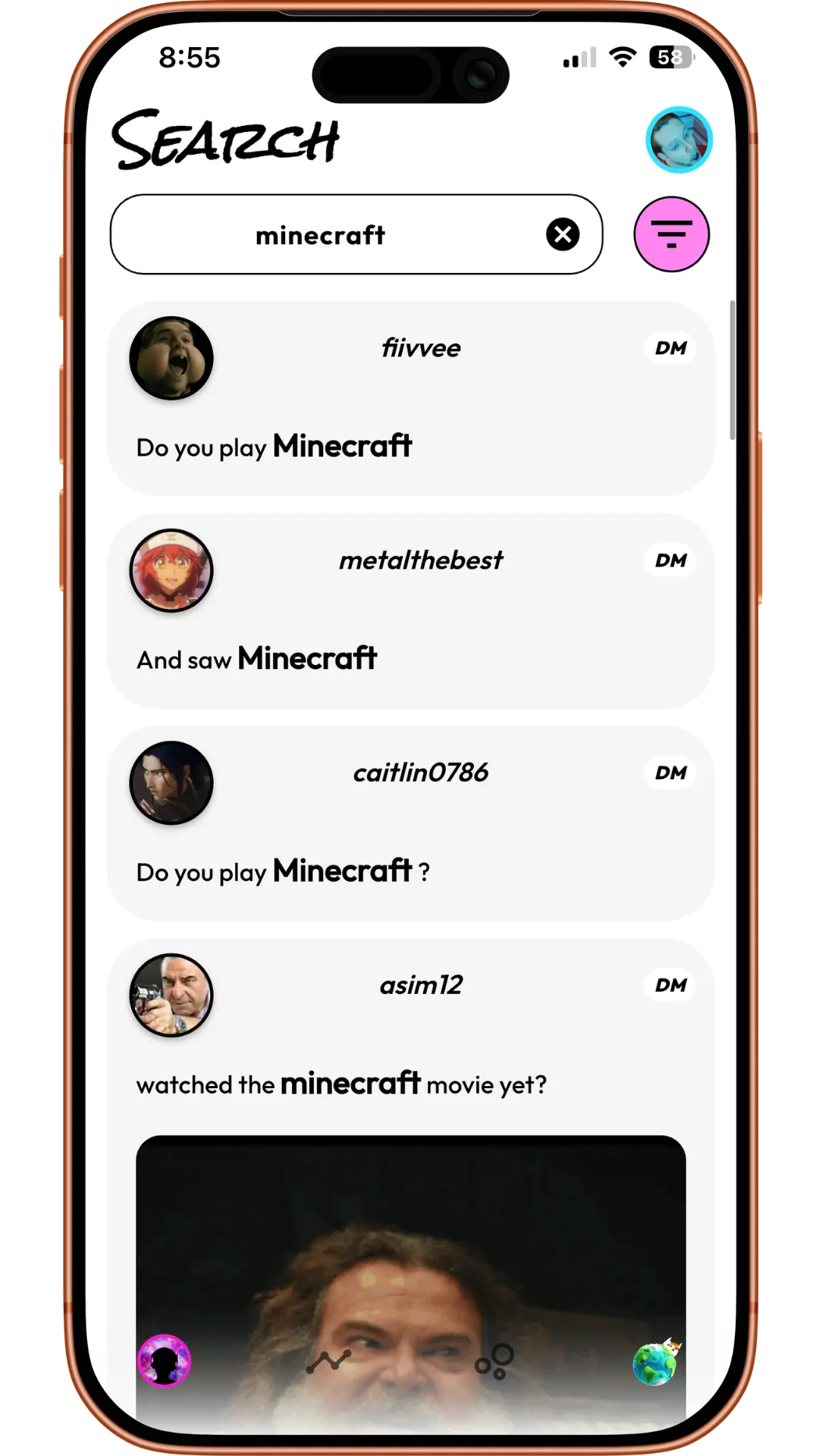
Product example: use a phrase you sent to identify the conversation. This screenshot does not depict either quoted user’s private messages.
A Discord export contains your sent messages, not the other person’s complete replies. If you never replied, the suspicious incoming text will not appear as one of your sent records. Try Discord’s own search or a known User ID instead. See Discord’s data-package explanation for what the ZIP contains.
Open the actual conversation with Instant
- Install the Friendcord mobile app and extension from the Friendcord website.
- Pair the app with the extension using its QR flow.
- Keep Discord signed in to the original participant account in that browser.
- Select the identified user or conversation in Friendcord, open its DM options, and choose Instant’s Open DM action.
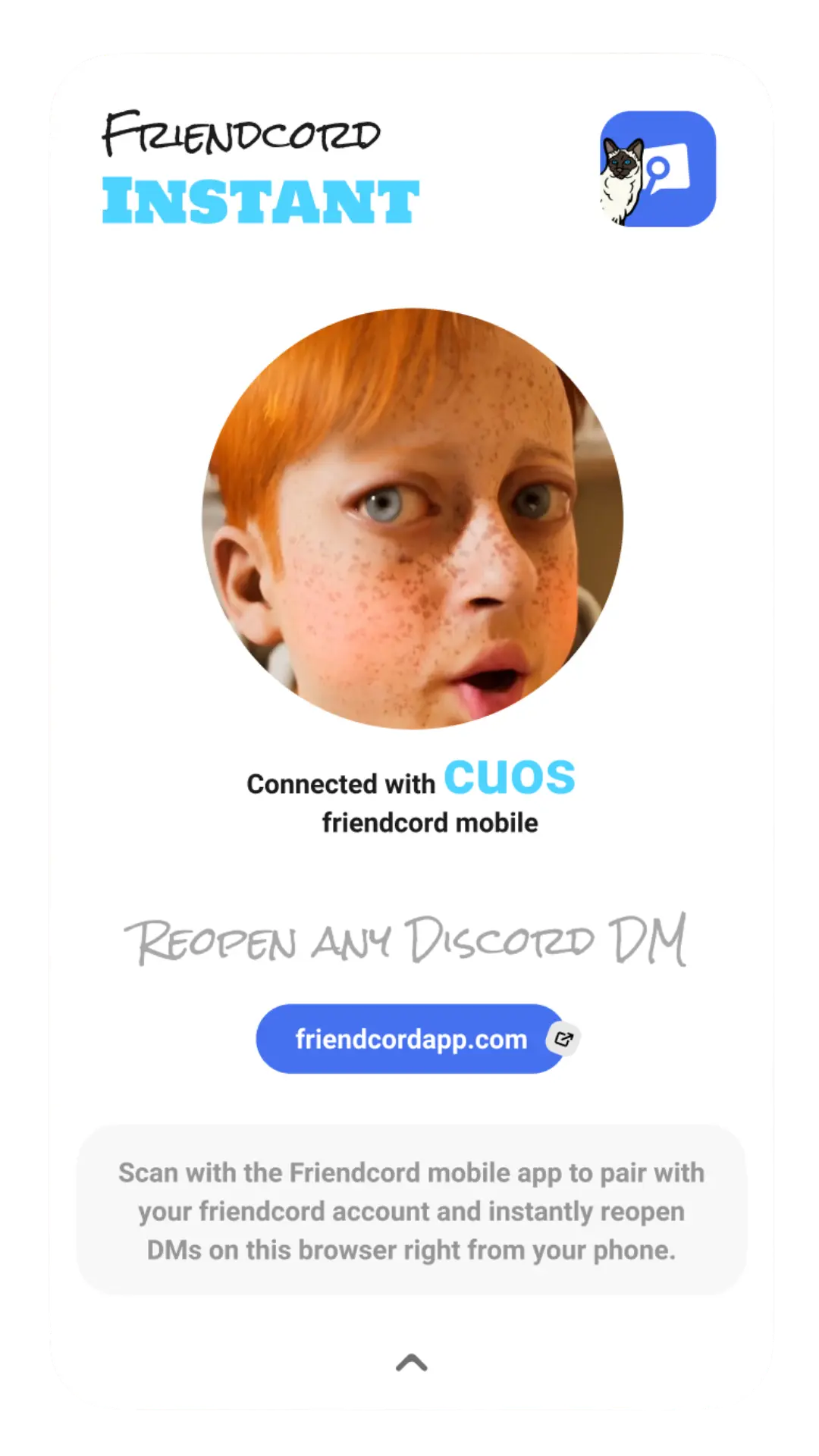
Product example: the extension connects your phone to your browser. Use the pairing flow you initiated in Friendcord, not a login QR code sent by the suspicious account.
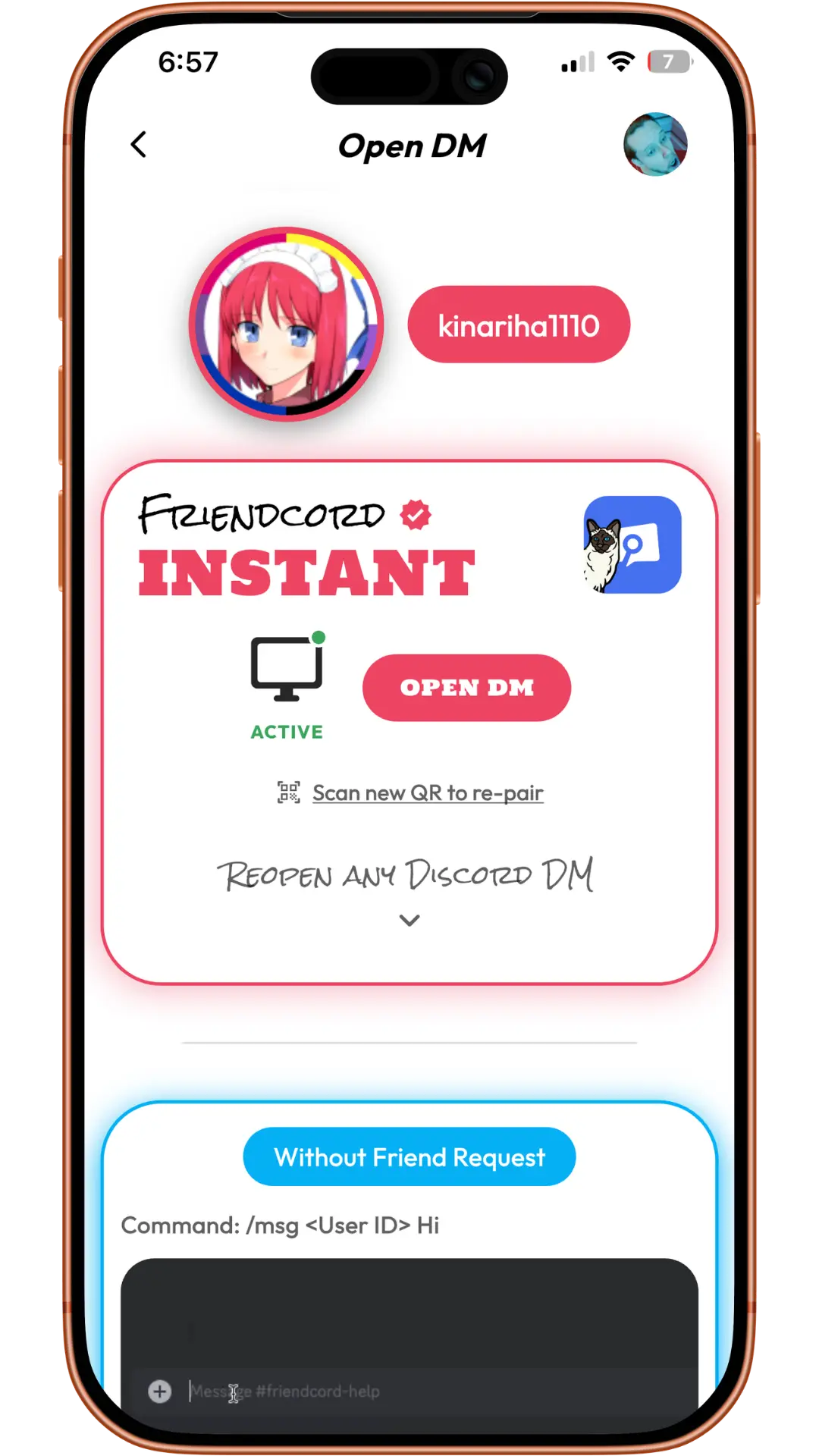
Product example: open the conversation using the active Instant connection, then inspect the remaining messages in Discord.
Friendcord’s owner confirms Instant can reopen existing DMs with blocked or deleted recipients. That capability was not independently tested on the quoted accounts. The reopened Discord conversation can show incoming replies that remain there, even though your export contains only your sent records.
Instant does not restore individually deleted messages, reactivate accounts, bypass account restrictions, or enable sending through a block. If you lost access to the original account, opening a new account does not transfer its conversations.
Report the message from Discord
Use Discord’s message-reporting instructions: right-click the message on desktop, or hold it on mobile, select Report Message, and choose the relevant violation.
Preserve the message link and any screenshots you need for your own records. Keep the context accurate and redact personal information before sharing screenshots publicly. Report what happened once; do not ask others to mass-report it. Block the account to limit further contact.
If you already changed your email or shared credentials
the email the hacker had changed my account to
That short excerpt is from a July 2024 community post about the fake-staff report scam. The writer later reported getting their account back; that individual outcome is not a recovery guarantee.
Secure the account before investigating old DMs. Follow Discord’s compromised-account guidance to reset your password, enable MFA, review Authorized Apps, and contact its recovery team. Check the original email inbox for Discord’s email-change notice and its recovery option if applicable. Submit accurate details through the official form.
After access is secure, use our sent-message audit guide if the account messaged other people without your permission.
Use Friendcord to locate a closed conversation, then open it with Instant to inspect remaining history and report the actual message in Discord.
The sources describe individual experiences, not Friendcord endorsements. Screenshots are first-party product examples. Official guidance was checked on October 25, 2026.