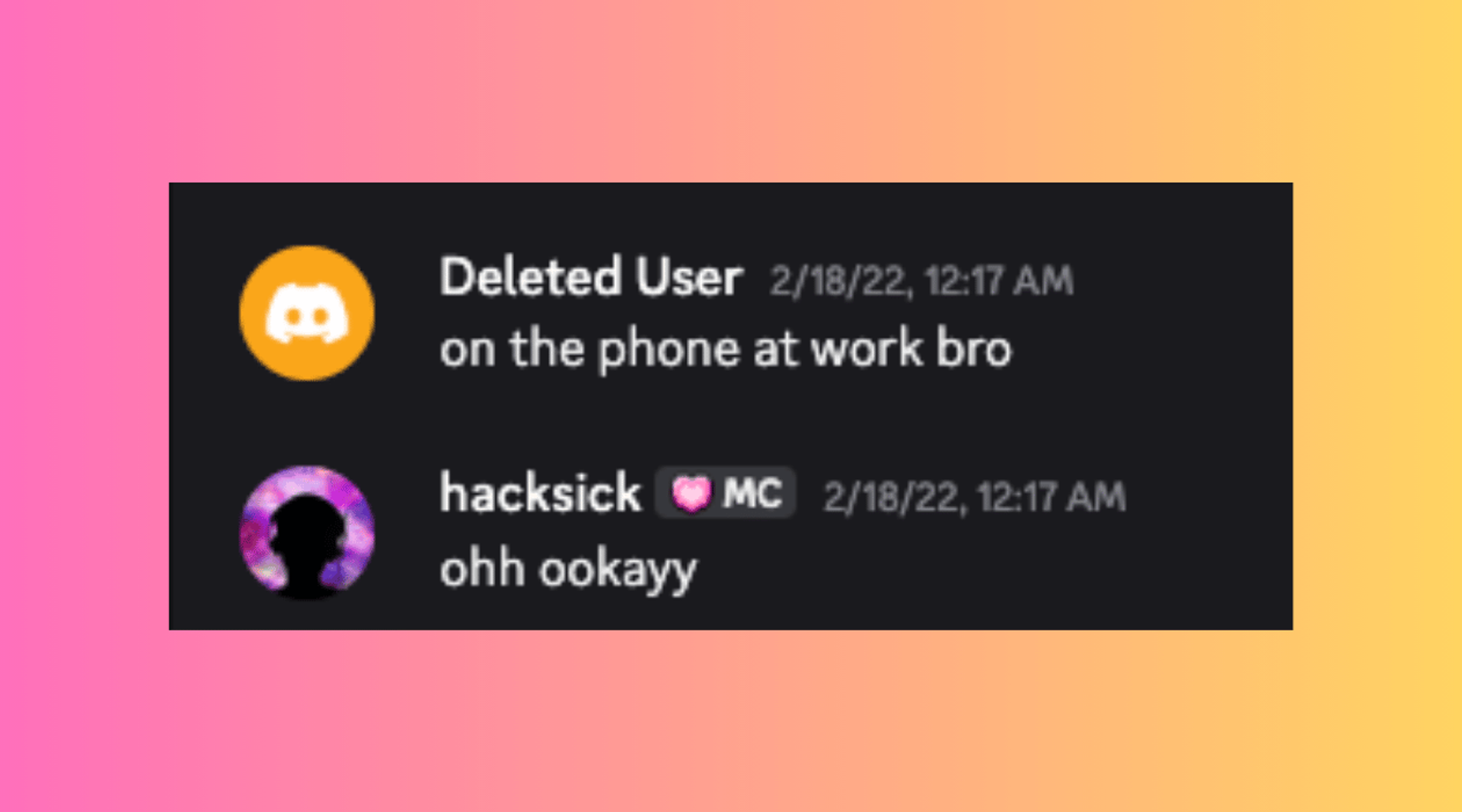
If you used to talk to someone on Discord years ago but cannot find them now, the normal app can leave you stuck. A renamed, blocked, deactivated, or deleted account may no longer be easy to locate from your recent DMs, Friends list, or shared servers.
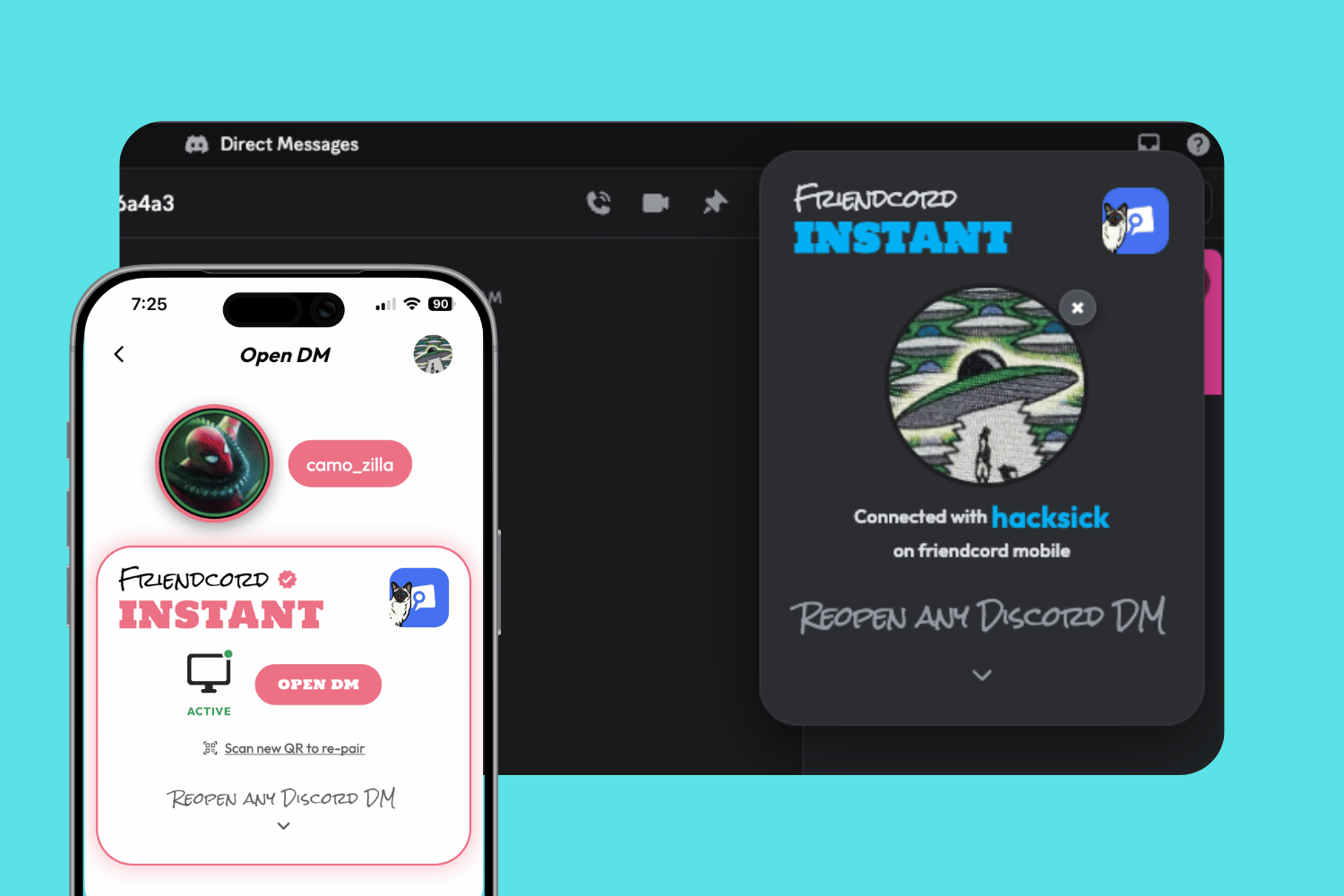
Friendcord is built for that exact situation. It turns your own Discord data package into a private, searchable archive, so you can find the old conversation from the clues you still remember and reopen that DM in Discord.
What Friendcord can do when you lost a Discord friend

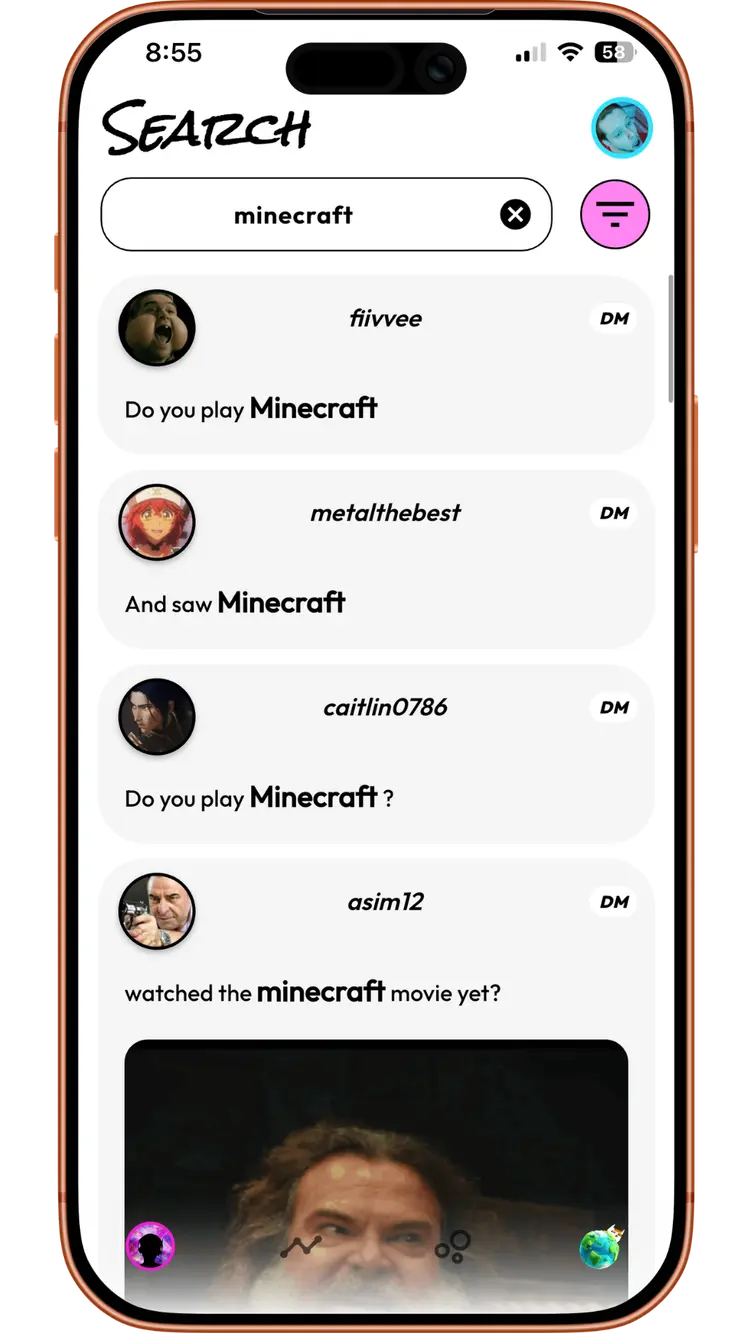
Friendcord searches the message history in the Discord data package you request from Discord. You can look for an old username, display name, a phrase they used, a game you played together, a date range, a shared photo, or any other detail you remember.
That matters because a person’s current profile is not the only evidence that they existed in your history. Your own exported messages can still contain the conversation, its channel details, timestamps, and other clues that make an old connection recognizable.
Even if their Discord account was deleted
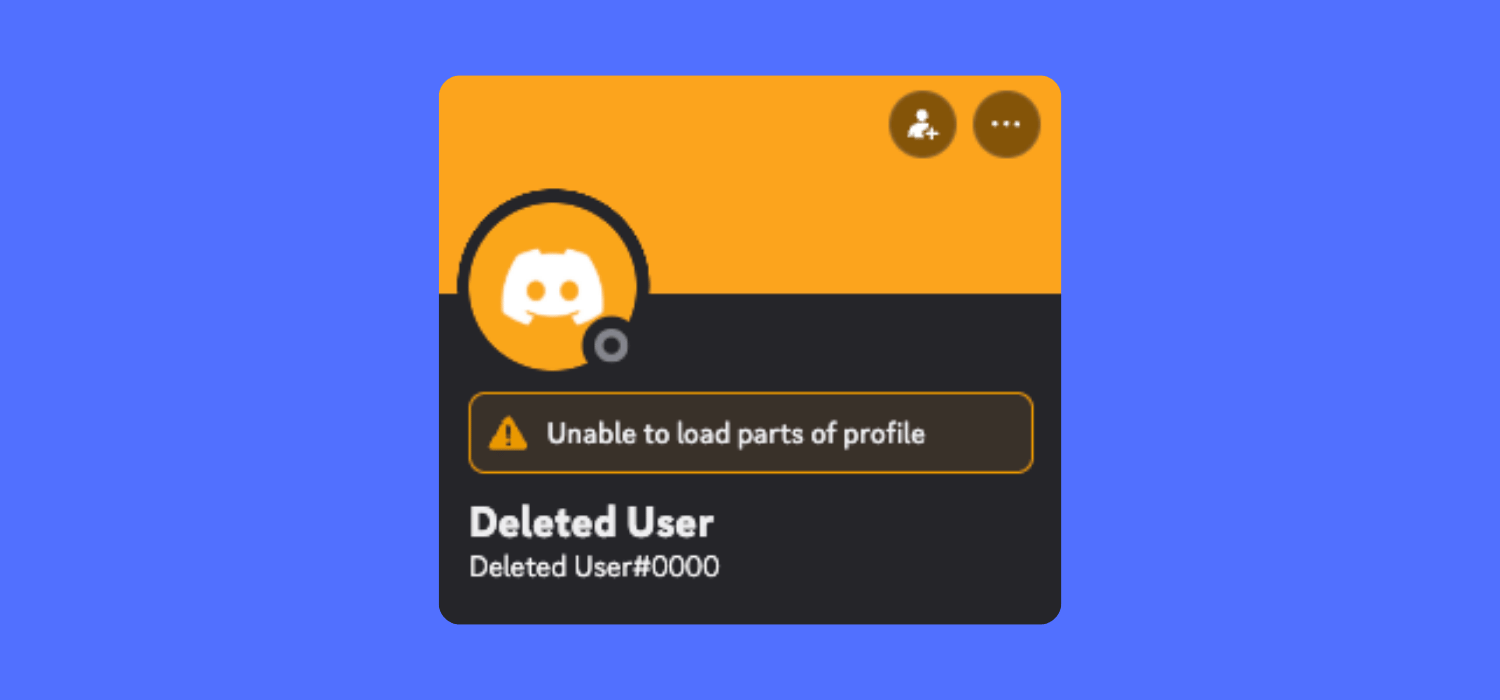
A deleted account can make the normal Discord interface much less useful. You may see a generic deleted-user label instead of the name you remember, and you cannot restore the other person’s account or make them reply.
But a deleted account does not automatically erase the messages in your own Discord data package. If the conversation is present in the export, Friendcord can help you locate it and reopen its DM in Discord. This gives you access to the old thread again, even though the other account itself remains deleted.
How to find the lost friend with Friendcord
Request your Discord data package
In Discord on desktop or browser, open User Settings, choose Data & Privacy, then select Request Data. On mobile, open your profile, tap the cogwheel, then go to Data & Privacy and choose Request all of my data. Discord says delivery can take up to 30 days and the download link is sent to the email address connected to the account.

Import the ZIP into Friendcord
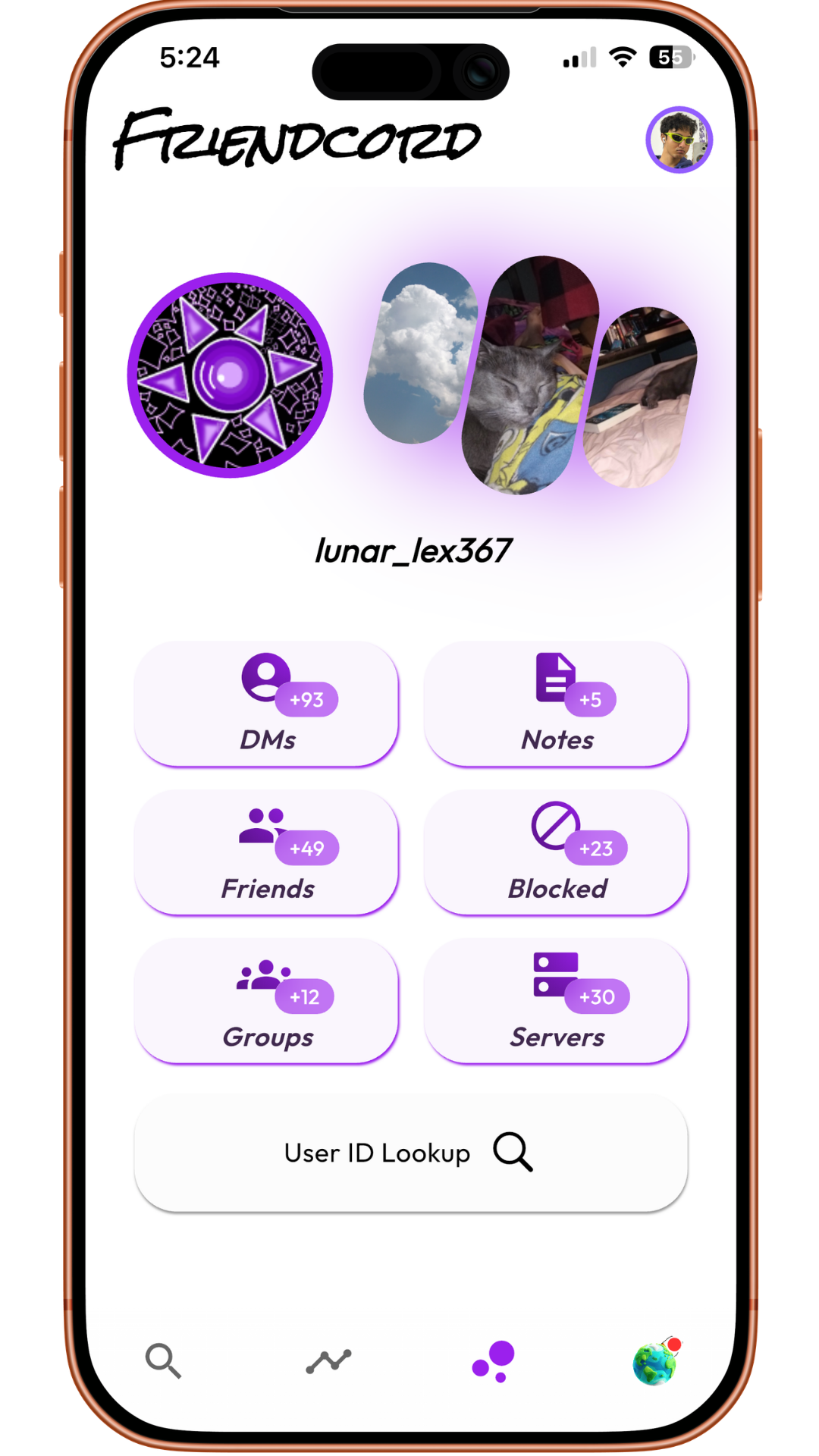
Open Friendcord and import the Discord data-package ZIP. The archive is processed on your device, making it practical to explore years of history without manually digging through thousands files.
Search from the smallest clue
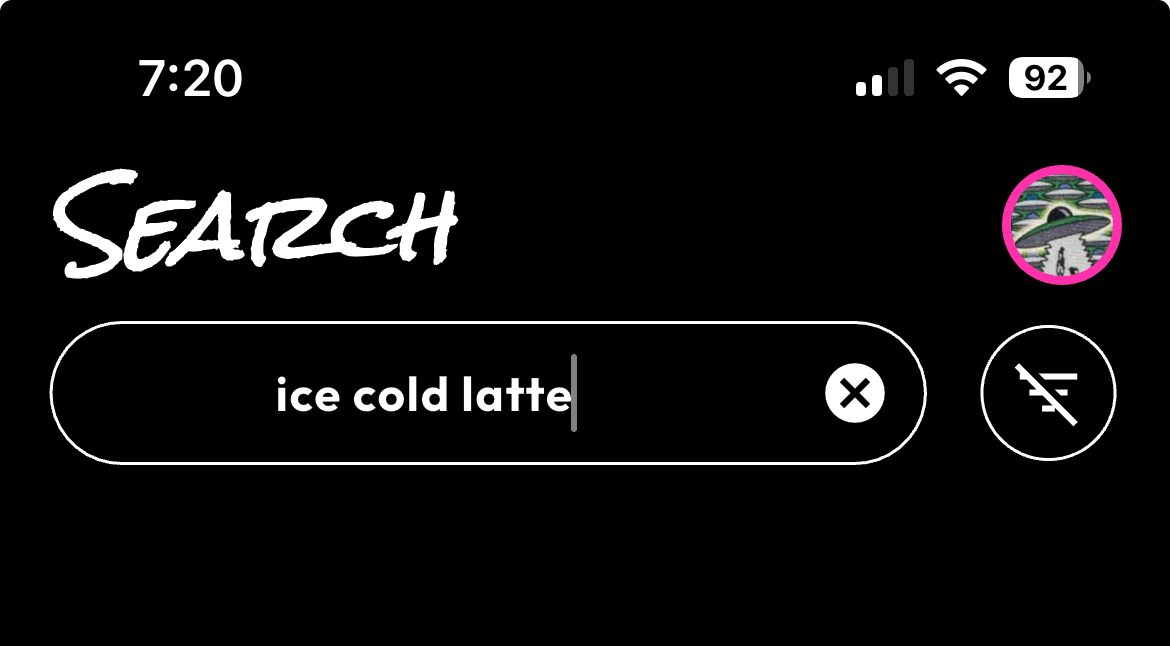
Start with anything distinctive: an old nickname, a sentence they wrote, a server name, a game, a shared image, or roughly when you knew them. Friendcord can search across your imported history so you do not need the person’s current username to begin.
Recognize the conversation and reopen it
Once you identify the right DM, Friendcord can reopen the conversation in Discord. This is useful when the thread disappeared from the recent list, the person changed names, or the account now appears deleted. Reopening the DM does not recreate the other person’s account or bypass Discord’s privacy settings; it restores a practical route back to the conversation on your side.
Why a Discord data package is the key
Discord’s data package includes the messages you sent, organized into folders for DMs, group messages, and server channels. Discord also says a DM or group-chat folder includes channel and user IDs, while message transcripts include timestamps, message contents, and attachment links. Friendcord makes that personal archive usable as a search experience.
What to do if you do not remember their name
Think about context instead of a username. Search a phrase they often used, a game you both played, a city, a meme, a shared photo, or the name of a server. The goal is not to guess their current identity; it is to locate the conversation you already had.
Important limits
Friendcord can search what exists in your data package and reopen a discovered DM. It cannot recover messages that were manually deleted before your export, restore someone else’s deleted Discord account, reveal private information that was never in your history, or override a person’s message permissions.
Find the conversation before the clue disappears
If you still have access to your Discord account, request your data package and use Friendcord to search the history you already own. A lost Discord friend may be impossible to find from a current profile, but the conversation can still be the best path back to who they were.
FAQ
Can Friendcord find a Discord friend who deleted their account?
It can help you find the historical conversation in your own data package if that conversation is included. It cannot restore the deleted account or make the person available on Discord again.
Can Friendcord reopen a deleted Discord DM?
If Friendcord finds the conversation in your imported history, it can reopen that DM in Discord. The ability to send a new message still depends on Discord and the other account’s status or privacy settings.
Do I need the person’s current Discord username?
No. You can start with a remembered phrase, old nickname, date, server, game, or media clue from the conversation.
Sources
Discord Support: Your Discord Data Package
Discord Support: Requesting a Copy of your Data