If you are trying to find someone on Discord but no longer remember their current username, you still have a few useful clues to work with. A user ID, a shared server, an old message, or a fragment of a conversation can be enough to reconnect without guessing random usernames.
Why a Discord username may no longer work
Discord usernames and display names are different. A display name can change freely, while a unique username must be entered exactly when you send a friend request. An old nickname, an old username, or a former four-digit tag may therefore lead nowhere even when the person is still using Discord.
Start with the clue you already have
Use a Discord user ID
If you already have the person’s Discord user ID from an old export, message, screenshot, or saved note, keep it. It is more stable than a display name and can help distinguish the right account from similarly named users. Do not post someone else’s ID publicly or use it to contact a person who has asked not to be contacted.
Check shared servers and old messages
Look through servers, group chats, notifications, screenshots, and saved files connected to the friendship. Discord’s official guidance says you can send a friend request from a username, a profile, or a server member list, but the username must be exact.
Try old names carefully
Search the names you remember, including small spelling differences, but treat matches as leads rather than proof. Confirm the profile using a shared server, familiar avatar, mutual friend, or an old message before sending a request.
How Friendcord helps when Discord search is not enough
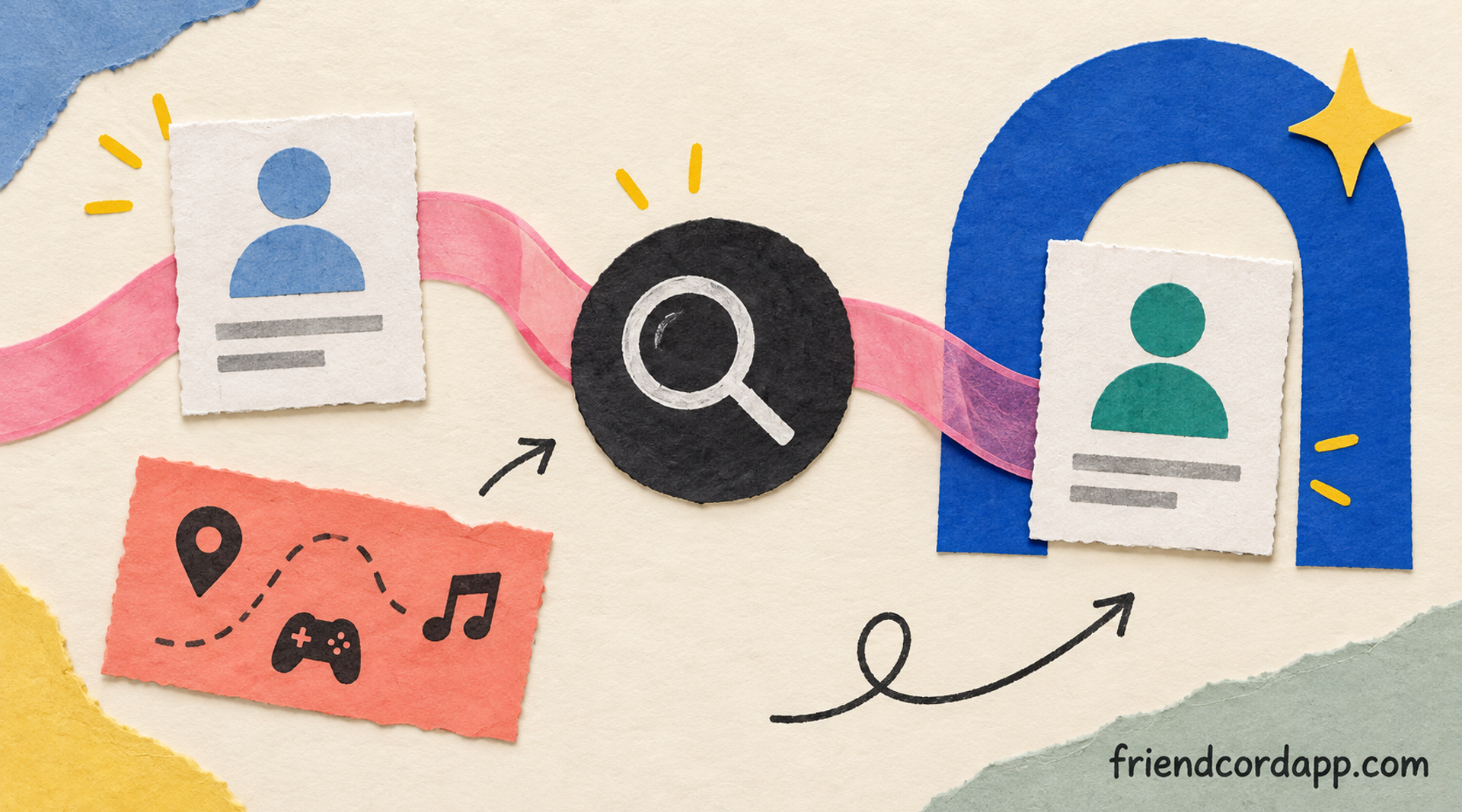
Friendcord is useful when the clue is buried in your own Discord history. You import your Discord data package, then search that history for usernames, user IDs, message text, server names, games, links, or other terms you remember. That can surface the original conversation even when the DM is closed in Discord or the person changed their visible name.
You can learn more about the workflow on the Friendcord home page and decide whether it fits your situation.
1. Search the smallest distinctive clue
Start with a phrase they wrote, an old nickname, a server name, a game, or an approximate date. A distinctive message fragment is often more useful than a common username.
2. Confirm the account from the conversation
Use the surrounding messages, avatar, server context, and any saved profile details to check that the result is the right person. Friendcord searches your imported data; it does not reveal private Discord data that you never had.
3. Reopen the conversation in Discord
When you identify the historic conversation, use the result to return to the relevant Discord DM or profile and contact the person respectfully. If Discord no longer lets you add them, the other person may have changed privacy settings, blocked requests, or deleted the account.
Can Friendcord find someone if they deleted their Discord account?
Friendcord can still help you find the historic conversation and reopen the DM entry from your own imported Discord history, even if the other account now appears deleted. The account status may be shown as deleted or unavailable, and that does not guarantee the person can receive a new message. Friendcord helps recover the connection point; it cannot restore a deleted account or bypass Discord privacy controls.
What to do after you find the old DM
If the profile is active, send one clear, friendly message and give the person room to respond. If the account is deleted, unavailable, or you are unsure the match is correct, do not keep contacting lookalike accounts. Respect blocks, privacy settings, and a lack of response.
Frequently asked questions
Can I find a Discord friend without their username?
Sometimes. A shared server or profile can let you add them directly, and a user ID or old message can help identify the right conversation. Friendcord is designed for searching your own imported history when the current username is missing.
Can Discord search find every person I have ever messaged?
No. Discord’s normal friend and message interfaces do not provide a universal, guaranteed directory of every historic contact. Results depend on what remains available to your account and the clues you have.
Does Friendcord reveal private Discord information?
No. Friendcord works from the data you import from your own account. It cannot expose a stranger’s private profile, recover deleted account data from Discord, or bypass blocks and privacy settings.
A practical next step
If you still have your Discord data package, try searching it with Friendcord using the oldest clue you remember. Finding one distinctive message can be enough to turn a lost name into a real conversation again.